Milanote is one of the nicest ways to lay out ideas visually: notes, images, links, and to-dos on a board you can rearrange however you like. It's also easy to outgrow. The free plan runs out after 100 items, everything lives in Milanote's cloud, and the jump to the paid plan is a recurring subscription.
If you're looking for a Milanote alternative, it usually comes down to one of four things: you want something free, something open source, something that feels native on your Mac, or something better suited to your kind of work, whether that's writing or art and reference boards. This guide covers the best option for each, with honest trade-offs.
| App | Best for | Pricing | Platforms |
|---|---|---|---|
| Forma | Free, native Mac boards for notes and tasks | Free | Mac |
| Apple Freeform | Free boards with images, already installed | Free | Mac, iPad, iPhone |
| Scapple | Writers mapping ideas and plots | Free trial · One-time purchase | Mac, Windows |
| PureRef | Artists' image reference boards | Pay what you want (from $0) | Mac, Windows, Linux |
| AFFiNE | An open source, local-first workspace | Free · Paid cloud plans | Mac, Windows, Linux, web |
| Excalidraw | Open source sketching and diagrams | Free | Web |
Why People Look for a Milanote Alternative
The free plan is small. Milanote's free plan includes 100 notes, images, or links and 10 file uploads. That's enough to try it, but an active board can hit the limit in an afternoon, and after that you can't add anything new without upgrading.
The paid plan is a subscription. Unlimited use costs $9.99 per month billed annually, or $12.50 billed monthly, according to Milanote's pricing page. For a tool you might use for a few personal projects, that adds up.
Your boards live in the cloud. Milanote stores everything on its servers and needs an account. That's what makes sharing easy, but it's a drawback if you'd rather keep your work on your own computer.
It's built for the browser. Milanote works in the browser and through a desktop app, but it doesn't feel like a native Mac app in the way Apple's own apps do.
None of this makes Milanote a bad tool. For creative teams sharing boards with clients, it's excellent. But if you work alone, mostly on a Mac, or don't want another subscription, one of the alternatives below will likely suit you better.
Forma: The Best Free Milanote Alternative for Mac
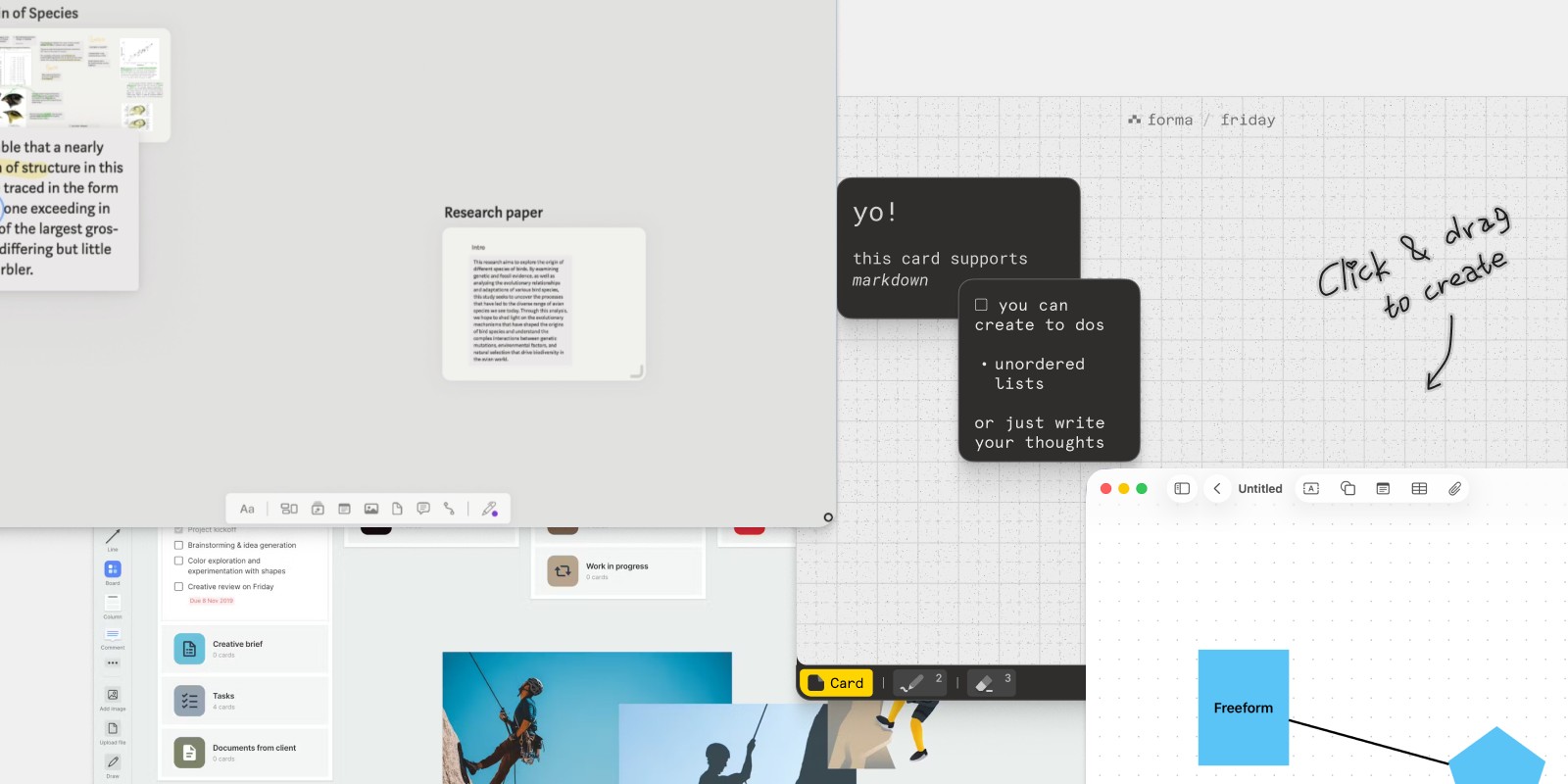
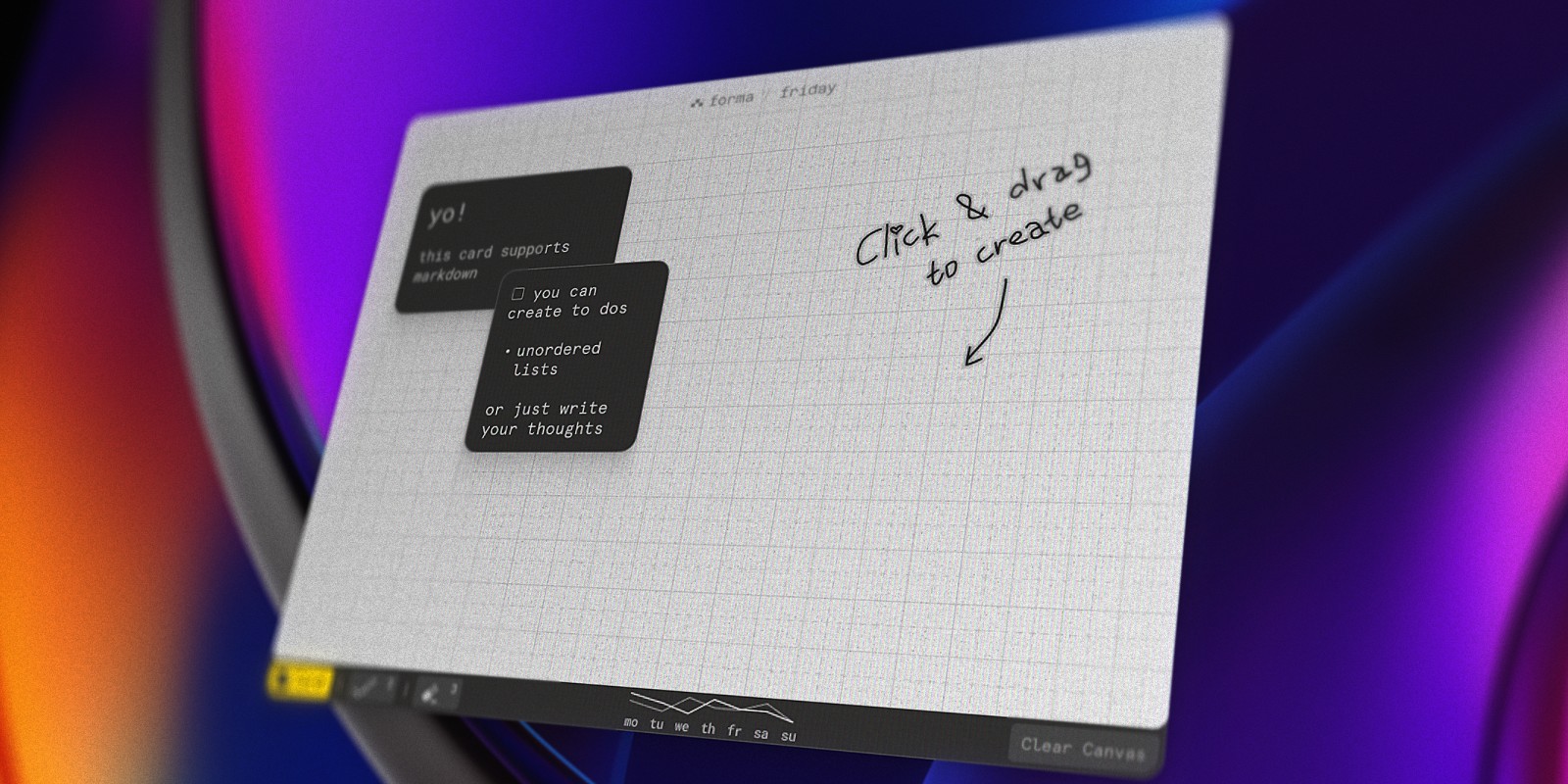
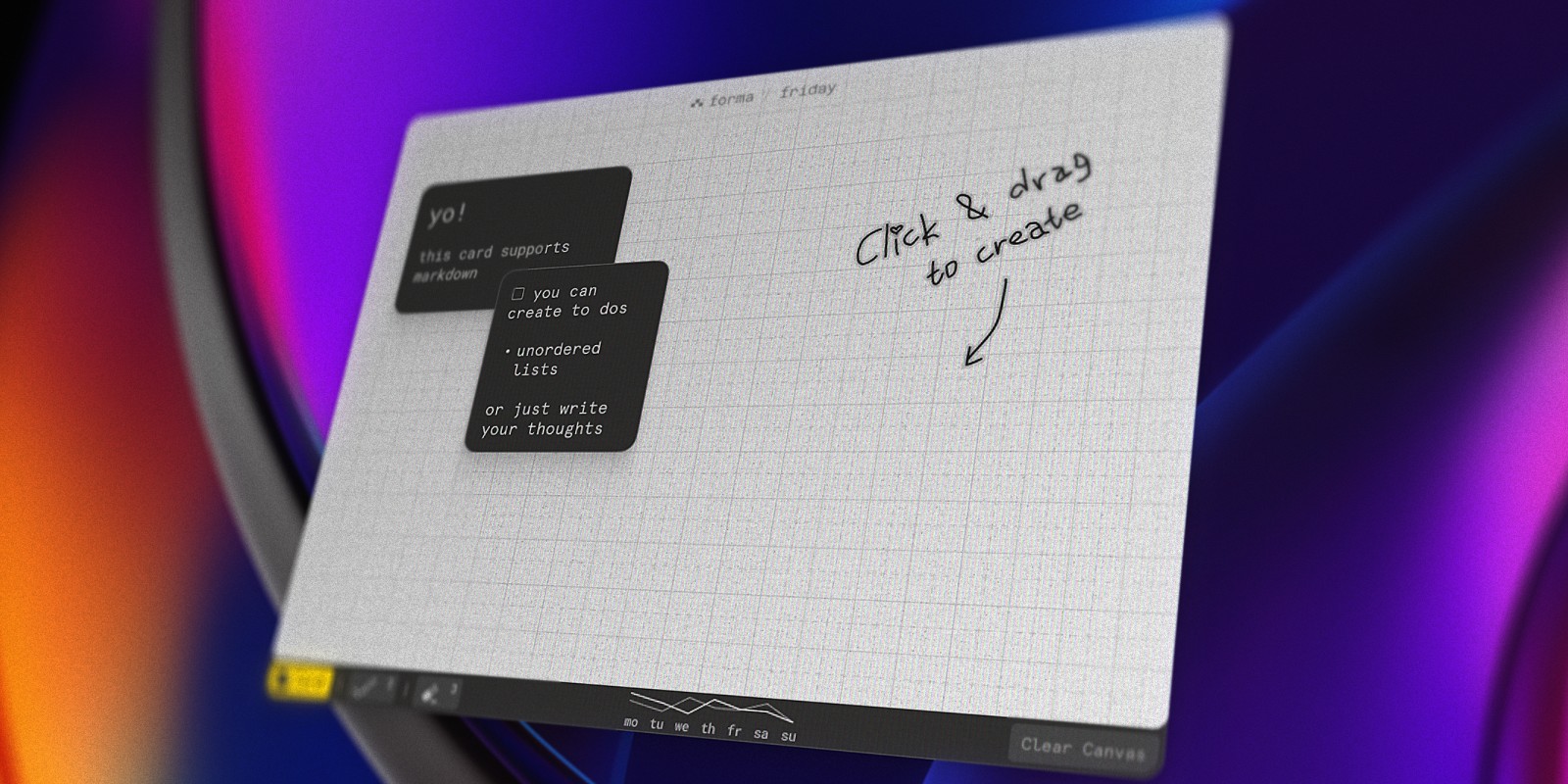
Forma is a native Mac app that gives you what most people use Milanote for, a board where ideas sit side by side, without the cloud account or the subscription. You click anywhere on the board to add a card, drag cards into groups, and draw freehand around them to circle, connect, and annotate.
Every card can be a note, a task, or both. Cards support Markdown and checklists, so a board can hold your rough ideas next to the to-do list that comes out of them. When an idea turns into work, you tick it off in the same place instead of copying it into a separate task app.
Forma is free to download from the Mac App Store, with one board and no account needed. Everything is stored locally on your Mac and works fully offline. An optional Pro upgrade, a one-off in-app purchase rather than a subscription, adds multiple boards, card colors, PDF export, and iCloud sync between your Macs through Apple's own servers.
The trade-offs: Forma is Mac-only and built for one person, not for sharing boards with a team or client. It's also built around text and task cards plus freehand drawing rather than image mood boards, so if your Milanote boards are mostly pictures, PureRef or Apple Freeform is a better match.
Best for: Solo creators, writers, and planners on a Mac who want a free, private board for ideas and the tasks that come out of them.
Apple Freeform: A Free Board That's Already on Your Mac
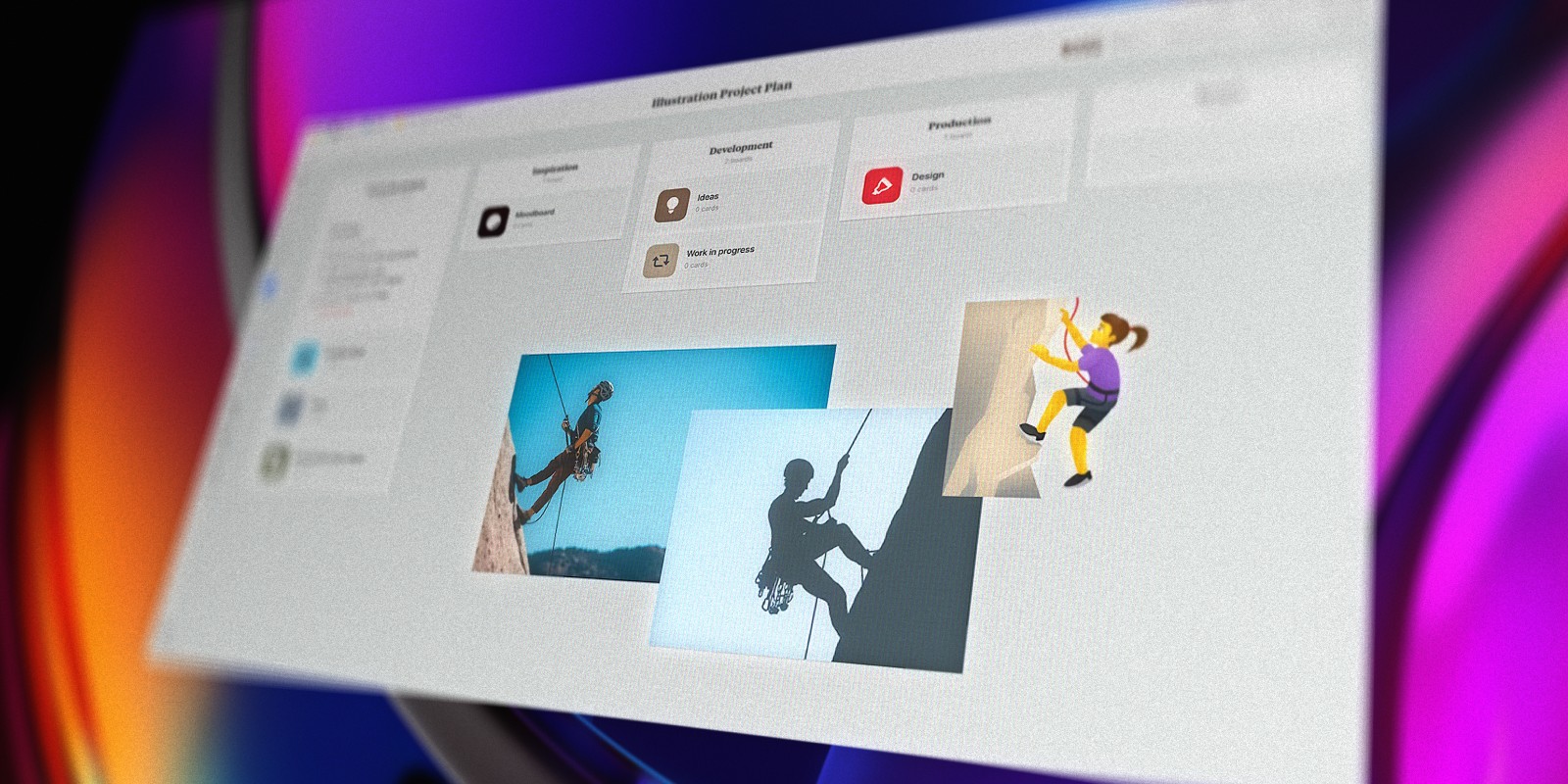
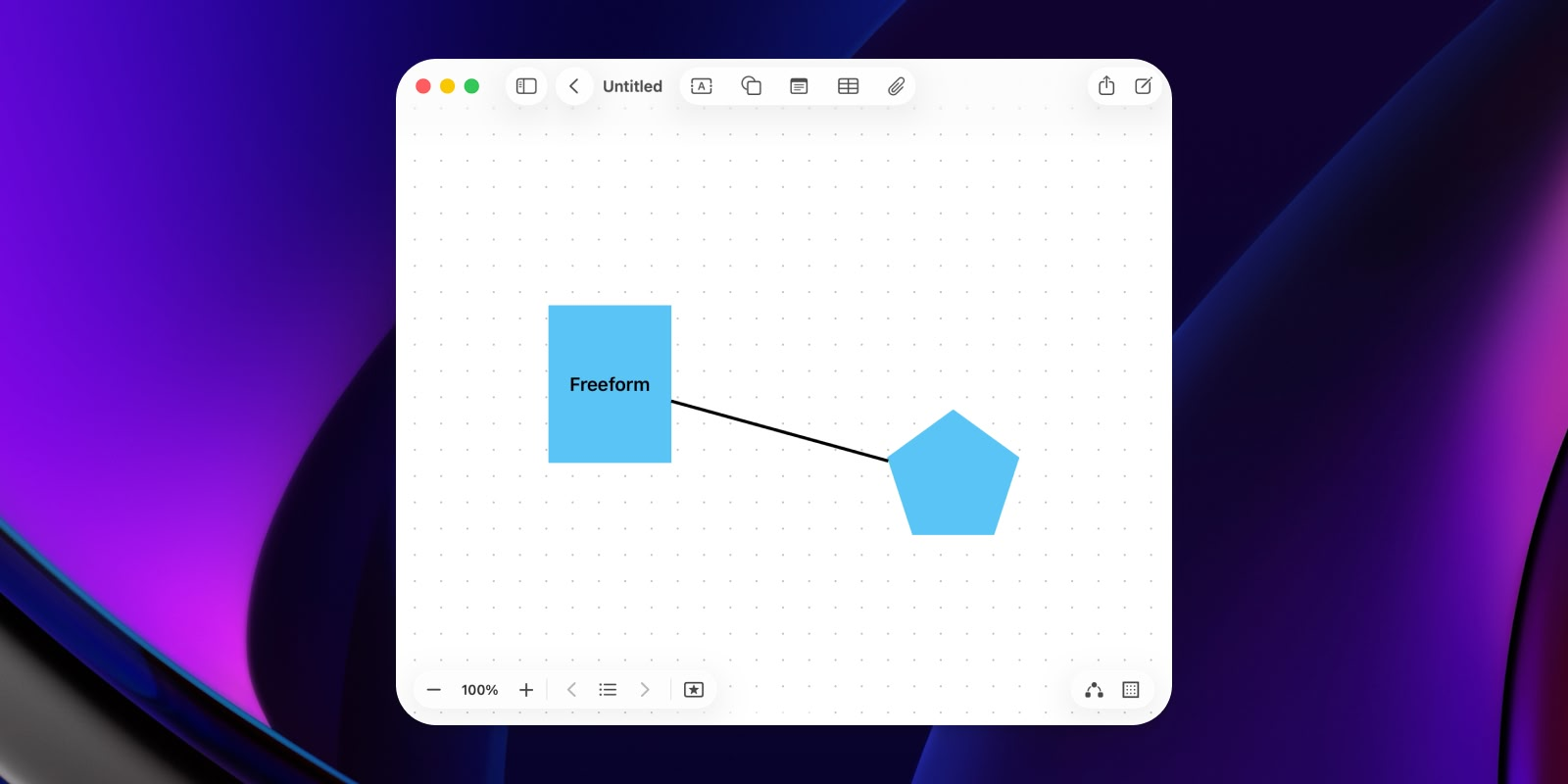
Apple Freeform comes free with every Mac, iPad, and iPhone. It's an infinite board for sticky notes, images, links, PDFs, shapes, and drawing, and it syncs through iCloud with no extra account. If you mostly used Milanote for loose boards mixing images and notes, Freeform covers a lot of the same ground for free.
Where it falls short is organization and follow-through. Boards pile up in one flat list with no folders, and a sticky note can never become a task. It's a great place to collect, and a weak place to plan. Our Freeform vs Forma comparison goes through the differences in detail.
Best for: Anyone who wants a free board for images and notes across Apple devices, with nothing to install.
Scapple: The Best Milanote Alternative for Writers
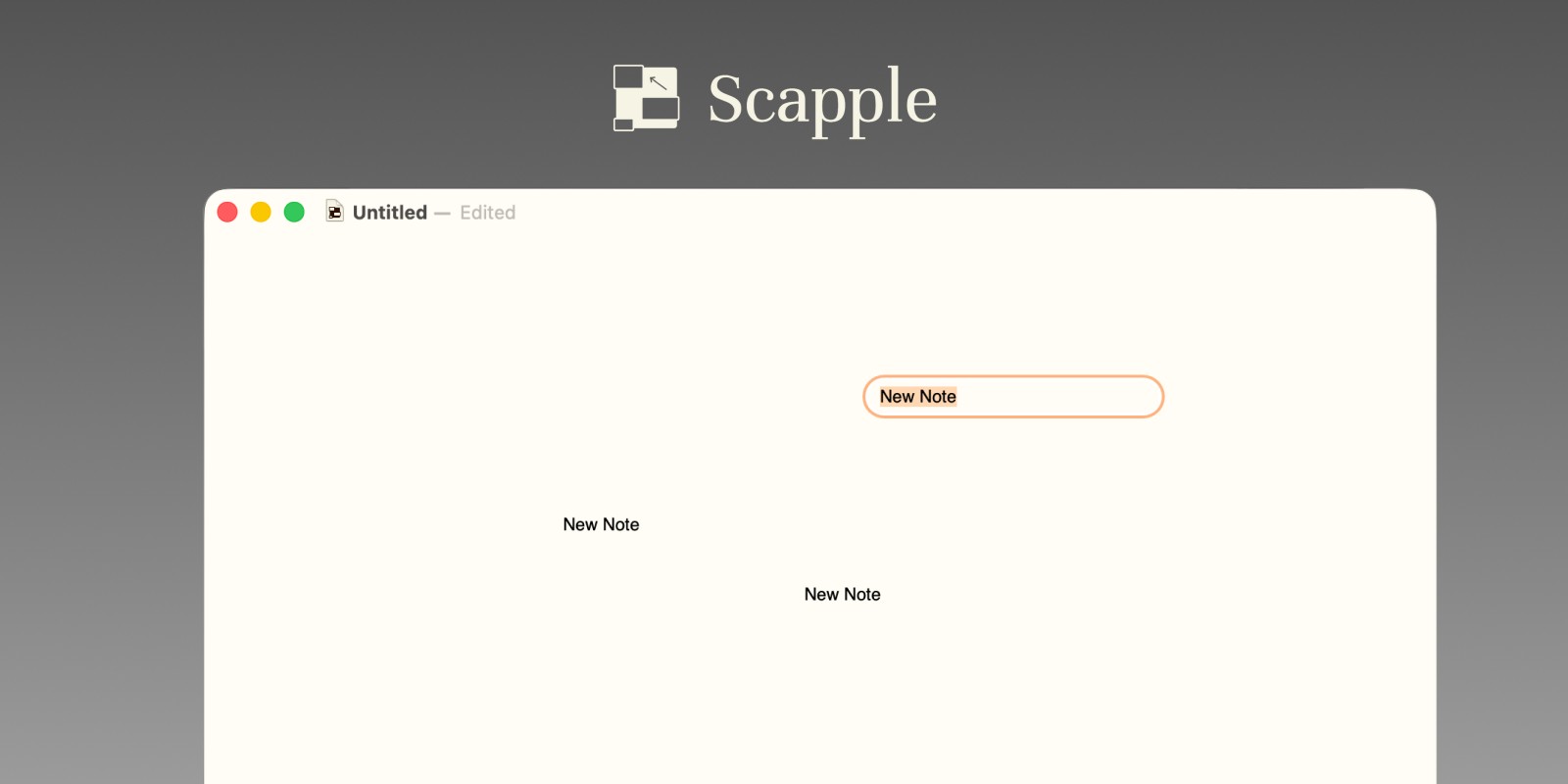
Scapple comes from Literature & Latte, the team behind the writing app Scrivener. It does one thing: lets you double-click anywhere to add a note, then drag notes onto each other to connect them. There's no required structure, which makes it ideal for mapping characters, plot threads, and arguments before you know what shape they'll take.
Writers who used Milanote for story boards often find Scapple calmer and faster. It's a one-time purchase rather than a subscription, with a 30-day free trial that only counts the days you actually use it, and it runs on Mac and Windows. It doesn't do images or tasks well, so pair it with a planner once the outline is done.
Best for: Novelists, screenwriters, and researchers mapping ideas before they write.
PureRef: The Best Milanote Alternative for Artists
PureRef is a small desktop app built for one job: collecting reference images on a board while you draw, paint, or model. You drag images in from anywhere, arrange and scale them, and keep the board floating next to your art software. It's widely used by illustrators, concept artists, and 3D artists.
For personal use, PureRef is pay what you want, and you can enter $0 to download it. Businesses need a paid license. It runs on Mac, Windows, and Linux. It's purely for images, though: there are no real notes, links, or tasks.
Best for: Illustrators, concept artists, and 3D artists who used Milanote mainly for reference and mood boards.

AFFiNE: The Best Open Source Milanote Alternative
AFFiNE is an open source workspace that combines documents with an "edgeless" whiteboard mode, where you can lay out notes, shapes, and drawings on a canvas. It's local-first: unlimited local workspaces are free, and paid plans add cloud storage and team features. It runs on Mac, Windows, Linux, and the web.
AFFiNE is the closest open source match to Milanote's mix of notes and boards, but it's a bigger, more complex tool. Expect a learning curve, and check the license for the version you use, since not every component shares the same one.
Best for: Anyone who wants an open source, local-first replacement for Milanote and is happy to learn a new system.
Excalidraw: Free, Open Source Sketching
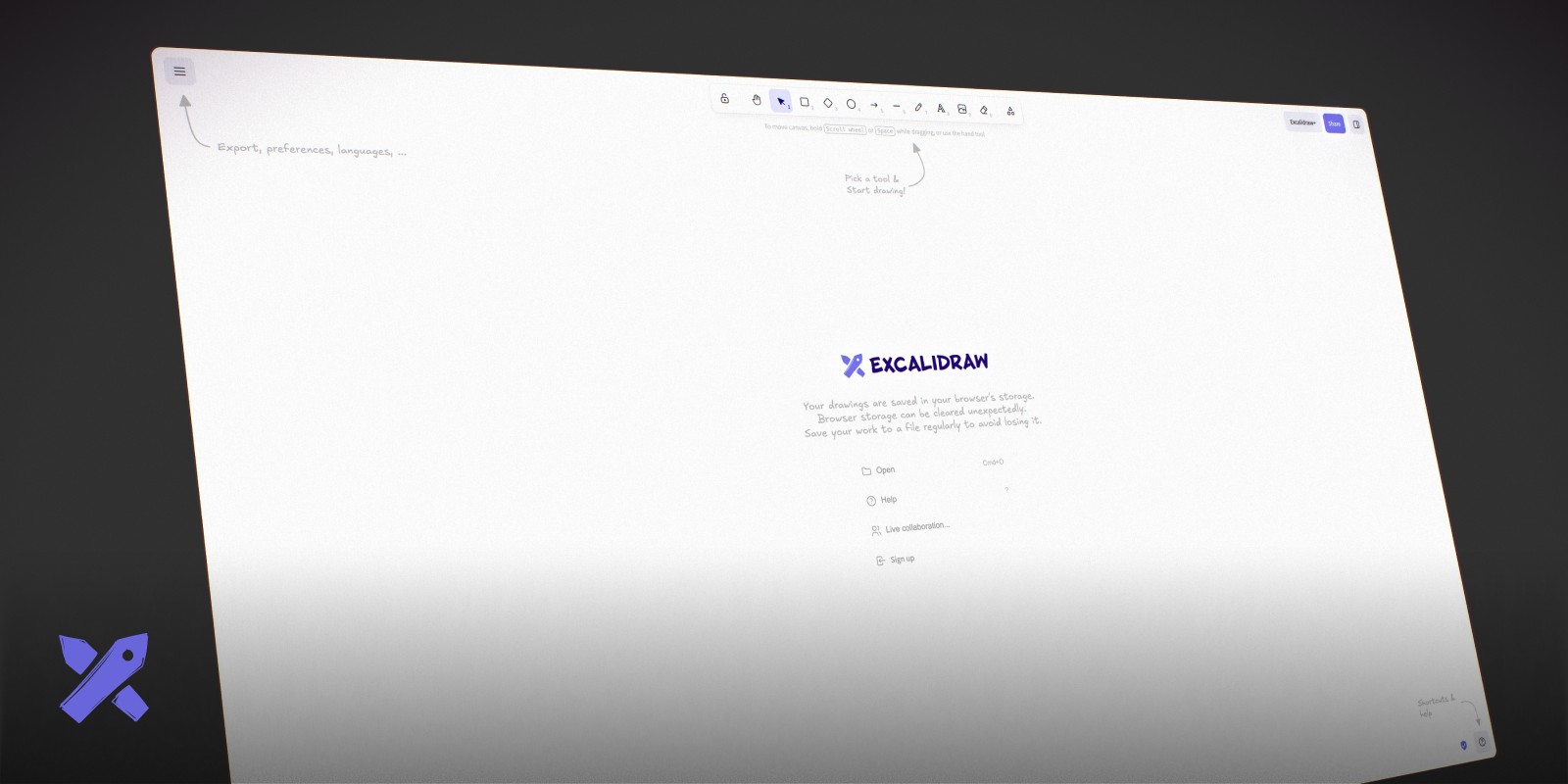
Excalidraw is an open source whiteboard that runs in the browser and draws everything in a hand-sketched style. It's free, needs no account, and exports to PNG and SVG. For quick diagrams, flows, and rough layouts, it's one of the fastest tools around.
It's a drawing tool first, so it isn't a full replacement for Milanote's notes and boards, and there's no native Mac app. Our guide to the best whiteboard apps for Mac compares it with other sketching tools.
Best for: Free, open source diagrams and sketches in the browser.
Which Milanote Alternative Should You Choose?
If you want something free on your Mac: Forma for notes and tasks on a board, or Apple Freeform if you mostly collect images.
If you're a writer: Scapple for mapping ideas, then Forma to turn the outline into a plan you can work through.
If you're an artist: PureRef for reference boards, or Apple Freeform if you also want to sketch with Apple Pencil.
If you want open source: AFFiNE for a full workspace, or Excalidraw for sketches.
If you work with a team or clients: Milanote's sharing is still hard to beat, so it may be worth paying for.
Summary
Most people who leave Milanote don't need a bigger tool. They need a board that's free, stays on their own computer, and helps them act on what's on it. If that's you and you're on a Mac, download Forma for free and try moving one Milanote board into it. It takes a few minutes, and there's no account to create.
For more options in the same space, see our roundups of the best canvas apps for Mac and visual project planning software.