Mind mapping is one of those habits that feels optional until you actually need it — when you're stuck on a problem, planning something from scratch, or trying to untangle a set of ideas that won't fit on a linear list. The right mind mapping software for Mac can shift that process from frustrating to effortless.
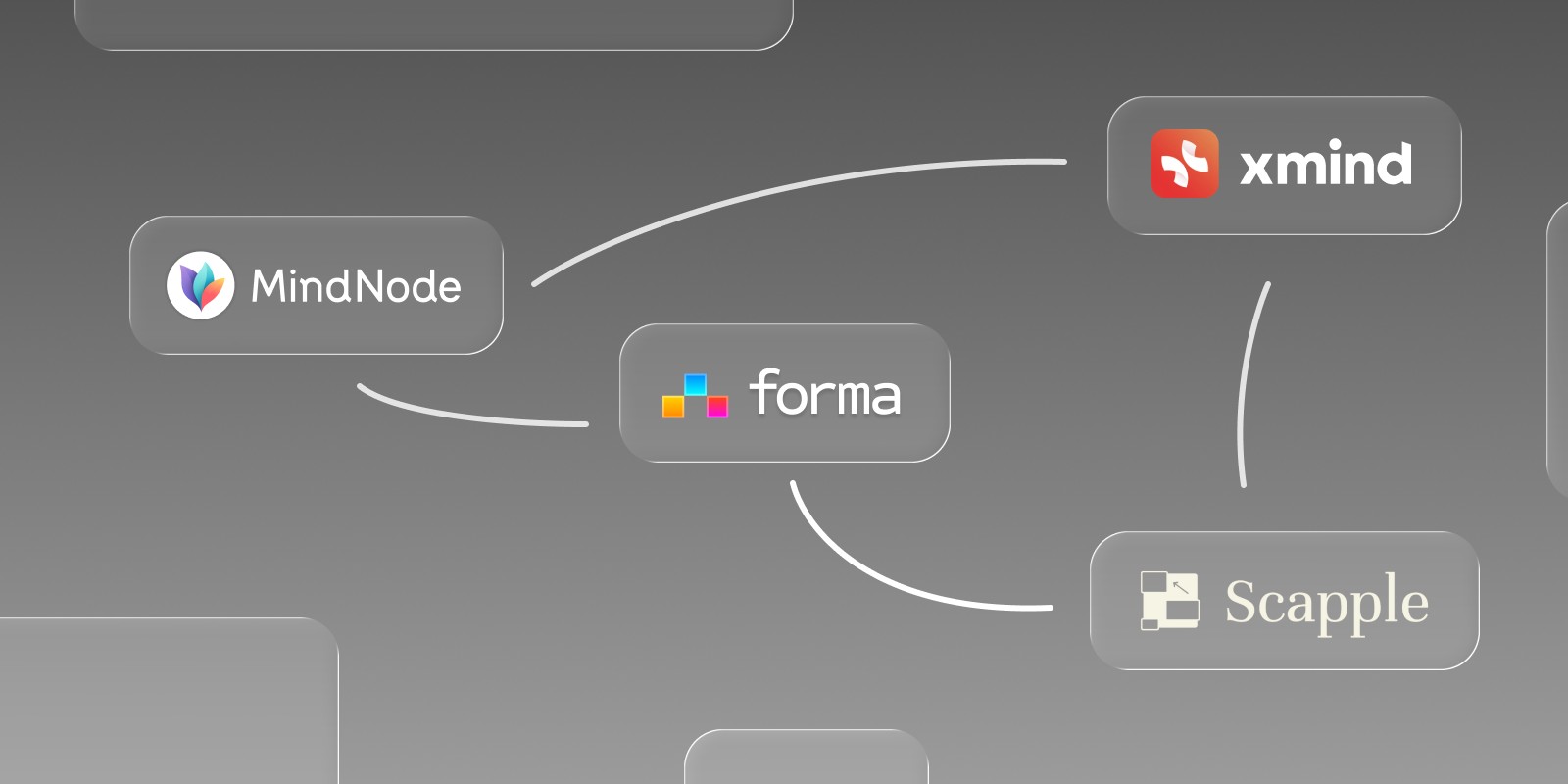
The category spans a wide range: beautifully designed native apps, powerful cross-platform tools, and free browser-based options that work on any Mac without downloading anything. Several have free tiers worth knowing about. Here's an honest comparison of the best options in 2026, and one that takes the concept of visual thinking further than any traditional mind map. If your thinking is more freeform sketching than branching hierarchies, our comparisons of the best whiteboard apps and best canvas apps for Mac cover those directions too.
Forma: When Your Mind Map Needs to Become a Plan
Most mind map apps stop the moment you're done thinking. You've laid out all your ideas, connected the branches, and then... exported a PNG and opened your task manager separately. The map becomes a reference document nobody looks at again.
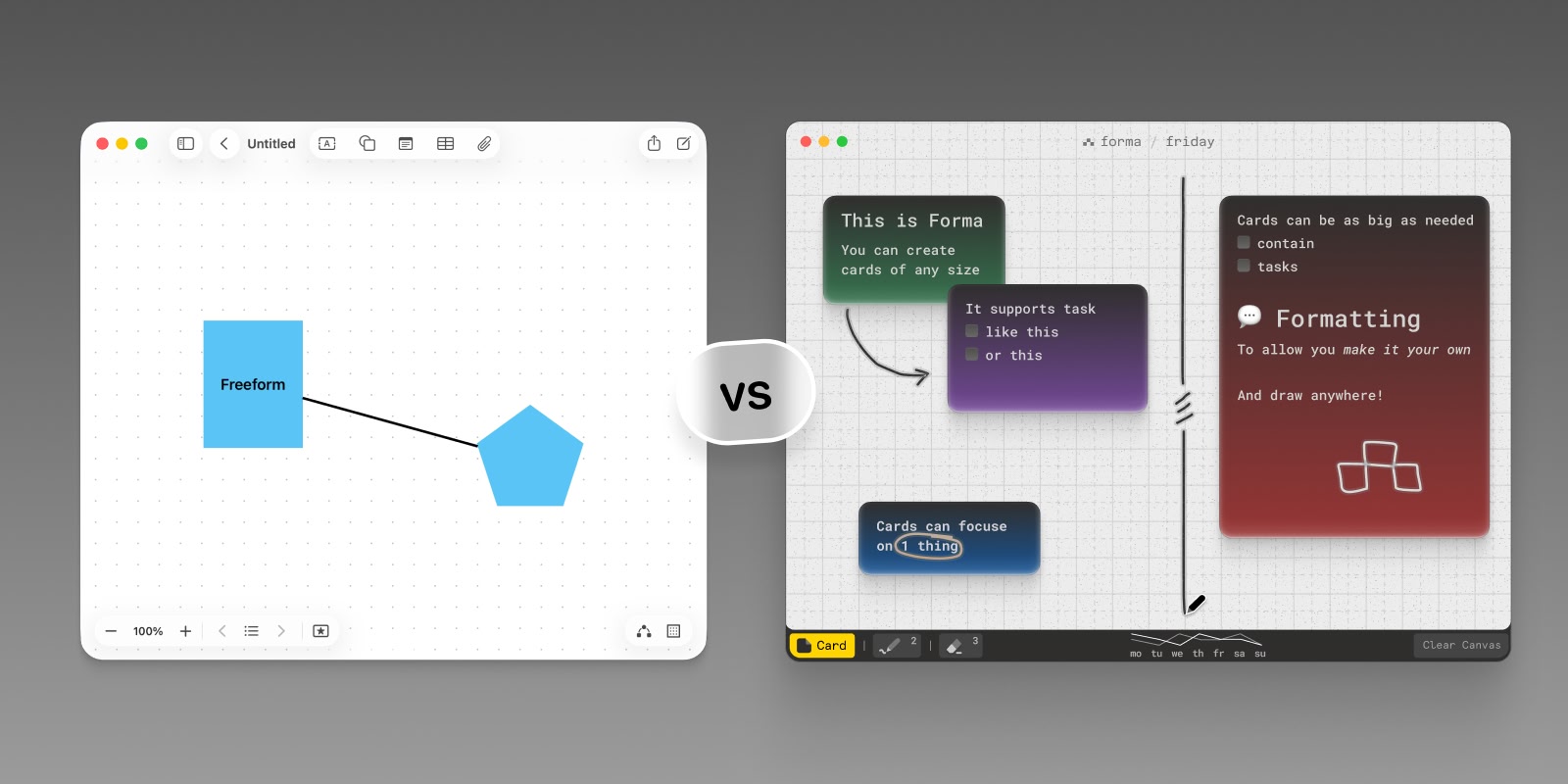
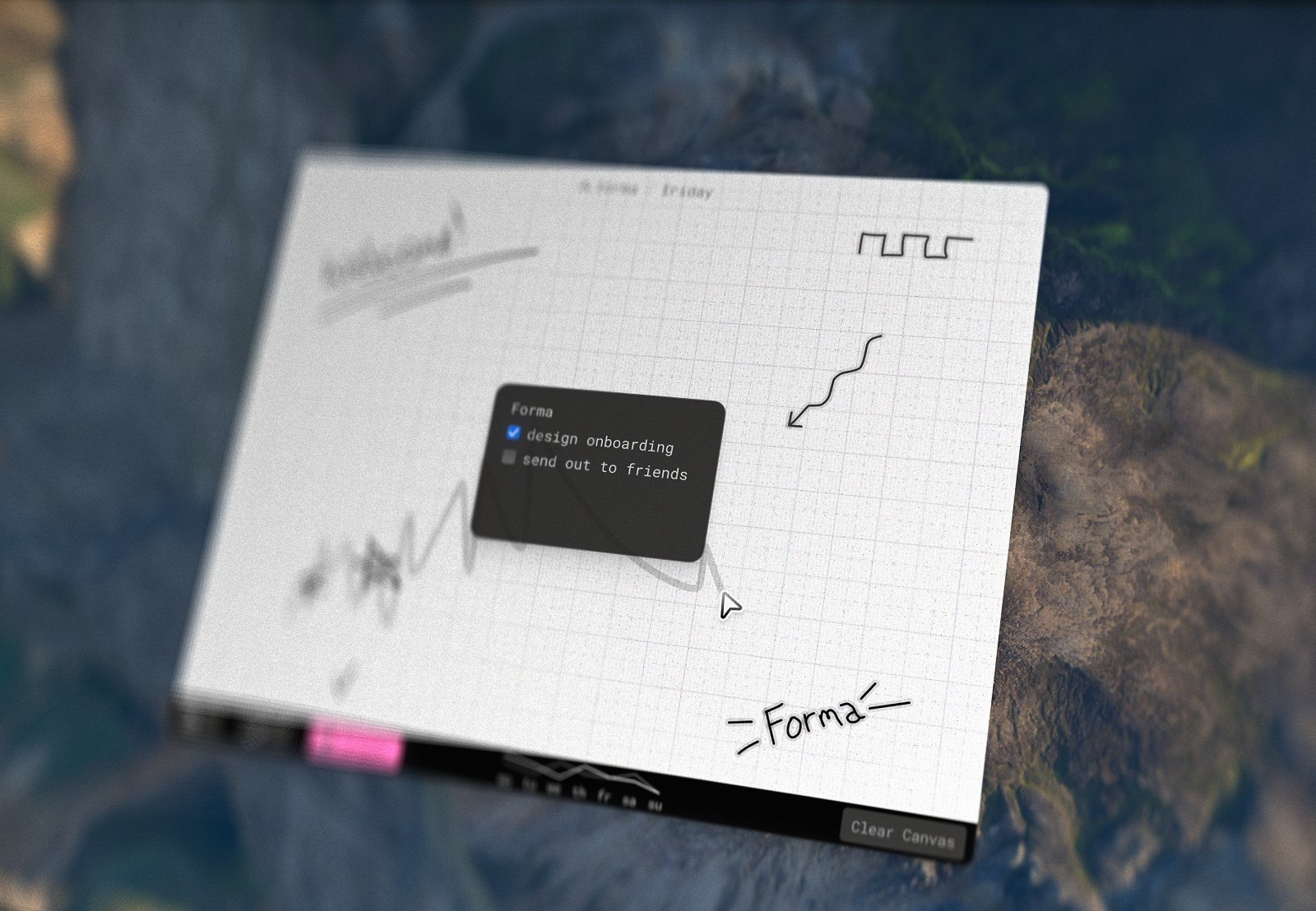
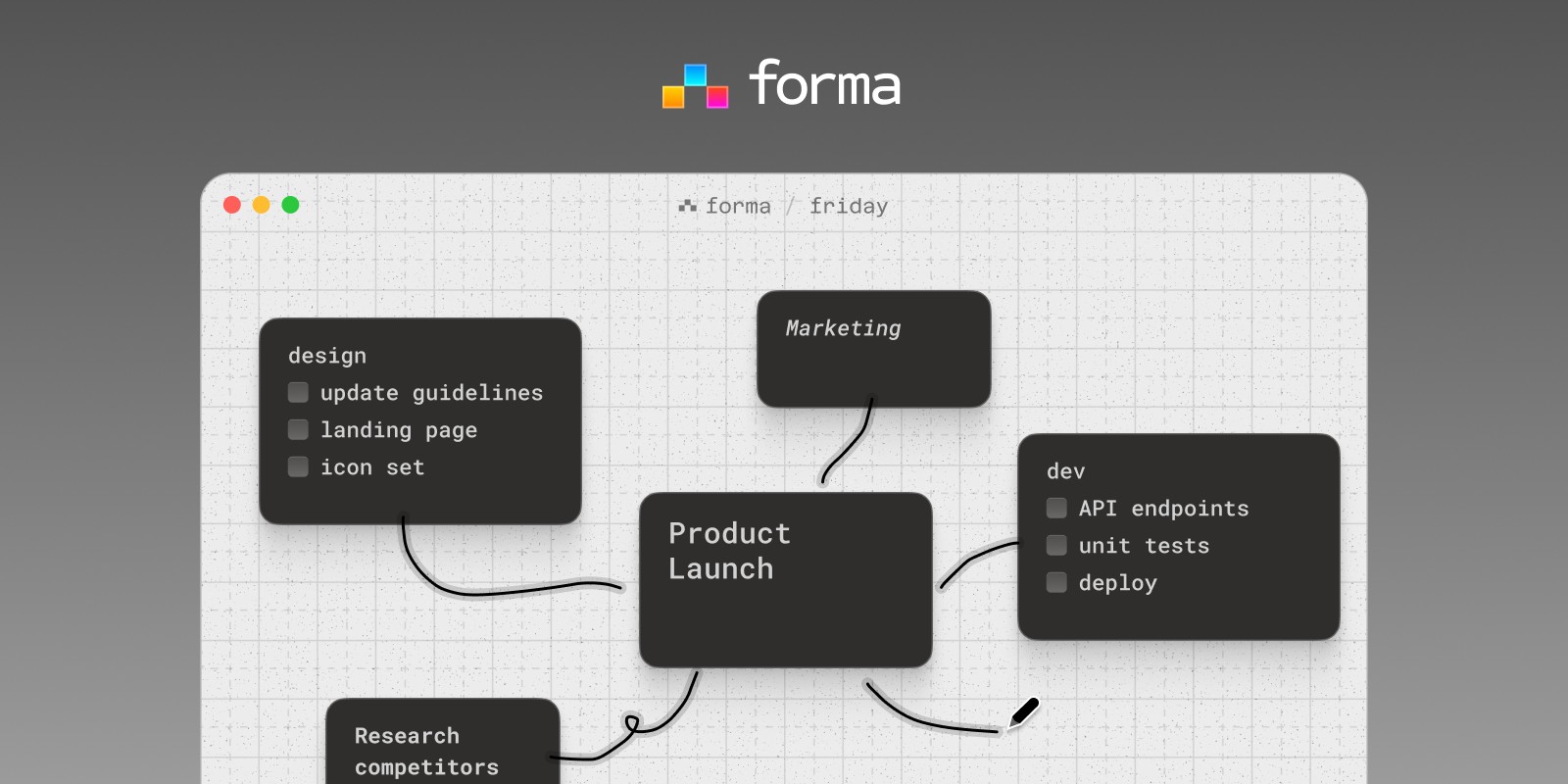
Forma approaches this differently. It's a native macOS app built around a spatial canvas — not an infinite one, but a purposefully sized workspace that works more like a piece of paper than a bottomless scroll. You can create as many boards as you need, each one its own focused space. On each board, you place cards that can be notes, tasks, or both — and you arrange them however makes sense spatially. Clusters, groups, hierarchies, free associations — the layout is up to you.
The result is a visual thinking environment that doesn't separate the brainstorm from the work that follows it. A card that starts as a rough idea can become an action item in the same place, without ever switching apps. And because Forma is built exclusively for Mac — not ported from a web platform or wrapped in a browser — every interaction feels native. It works completely offline, and has no account requirement.
Forma is a paid app with a one-time payment that gets you the app for lifetime, and is frequently updated.
Best for: Visual thinkers, solo project planning, Mac users who want spatial thinking and task management in one native app.
MindNode: The Apple-Native Mind Map App
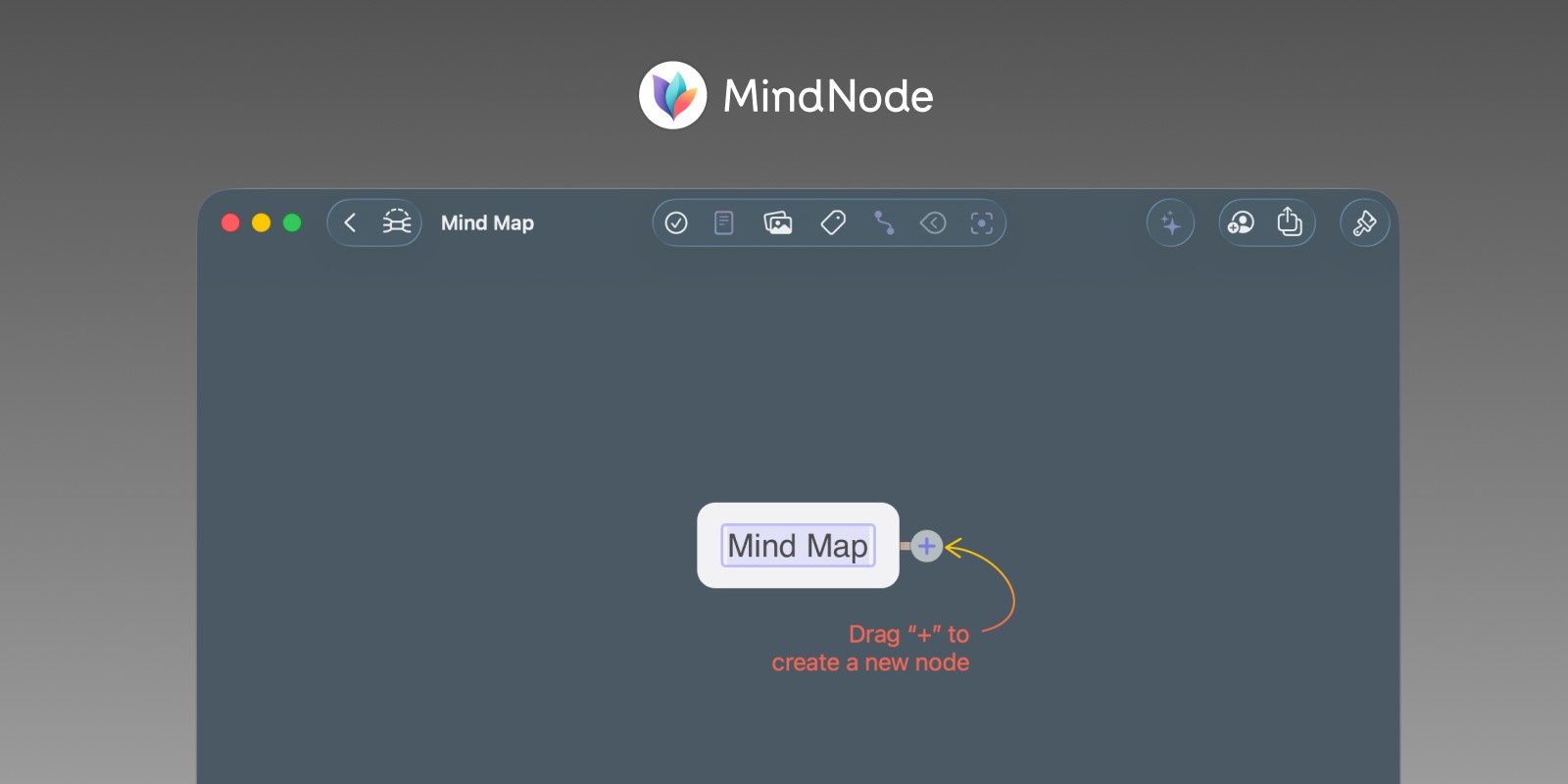
MindNode is the most polished dedicated mind map app built for Apple's ecosystem. It runs natively on Mac, iPhone, iPad, Apple Watch, and Vision Pro, syncing seamlessly across all of them via iCloud. If you're already deep in the Apple ecosystem and want a mind map app for Mac that also lives on your iPhone, MindNode is the obvious choice.
The interface is calm and well-designed — creating a node is instant, connecting branches is intuitive, and the visual output is clean. MindNode recently integrated Apple Intelligence for AI-powered brainstorming and map summarisation, and the app has an Apple Watch companion that lets you add nodes and complete tasks from your wrist.
MindNode has a basic free version. Unlocking the full feature set — iCloud sync, live collaboration, AI tools, themes — requires MindNode Plus at $2.99/month or $24.99/year. That's a reasonable price for what it delivers, though it is a subscription.
Best for: Apple ecosystem users, students, anyone who wants a dedicated mind map app for Mac that syncs across all their devices.
XMind: The Most Powerful Cross-Platform Option
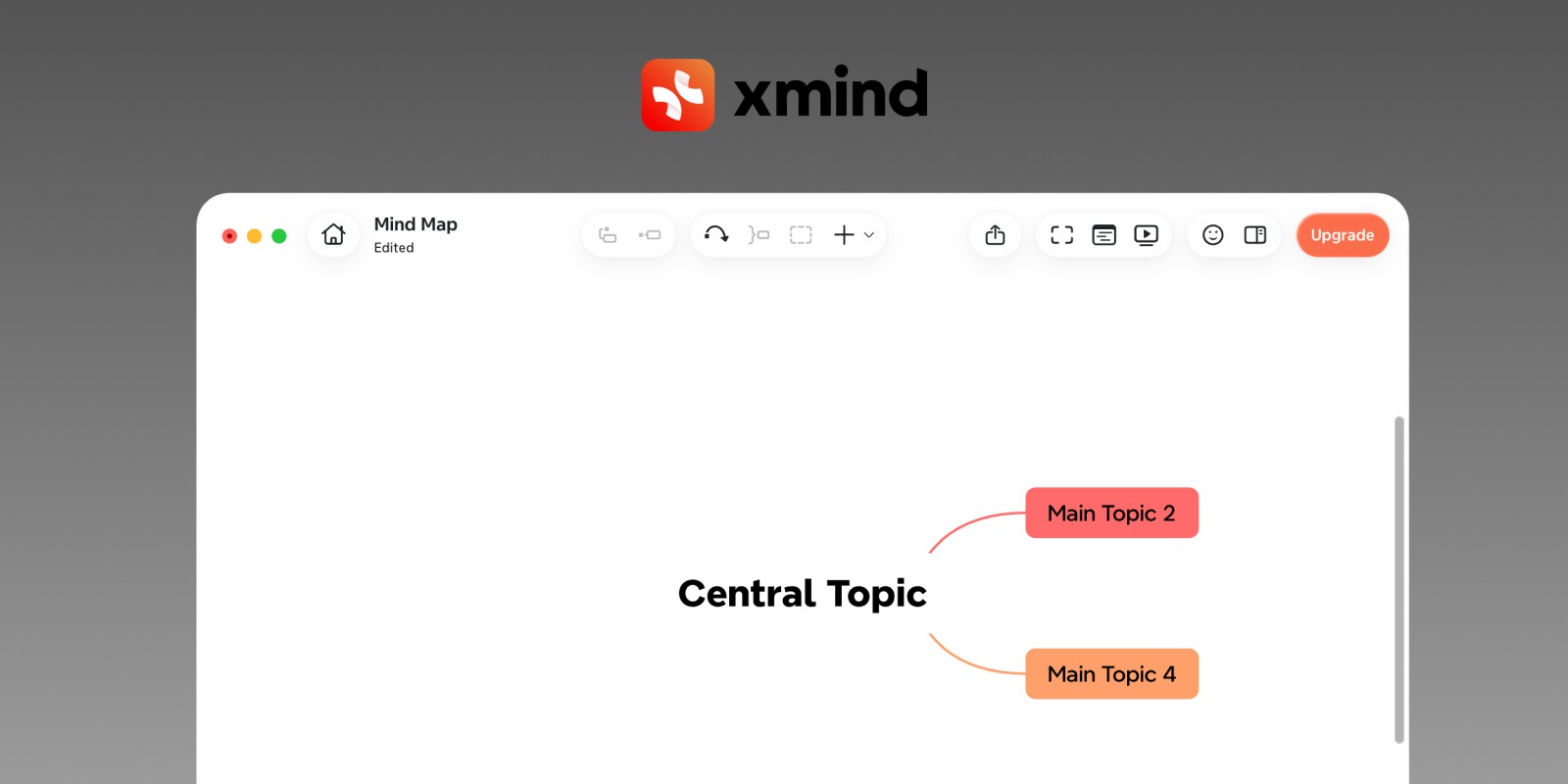
XMind is the go-to mind mapping software for power users. It supports more diagram types than any other app in this list — mind maps, fishbone diagrams, org charts, matrix maps, timelines — and has an extensive template library. It runs on Mac, Windows, Linux, iOS, and Android, making it the strongest option if you need your mind maps to be accessible across different devices and operating systems.
XMind has a usable free tier that covers the core mind mapping features. The Pro plan (approximately $4.92/month, billed annually) adds more views and export options; the Premium plan (approximately $8.25/month, billed annually) adds AI-powered idea generation, cloud sync, and real-time collaboration. A 7-day free trial is available for annual subscriptions.
The caveat: XMind is not a native Mac app. It's cross-platform software, and on macOS it doesn't behave quite like something built for the platform. If native feel matters to you, MindNode or Forma will serve you better. If raw capability and cross-platform reach are the priority, XMind is the most complete mind map software for Mac users who also work elsewhere.
Best for: Power users, cross-platform workflows, anyone who needs advanced diagram types beyond standard mind maps.
Scapple: Freeform Thinking Without the Hierarchy
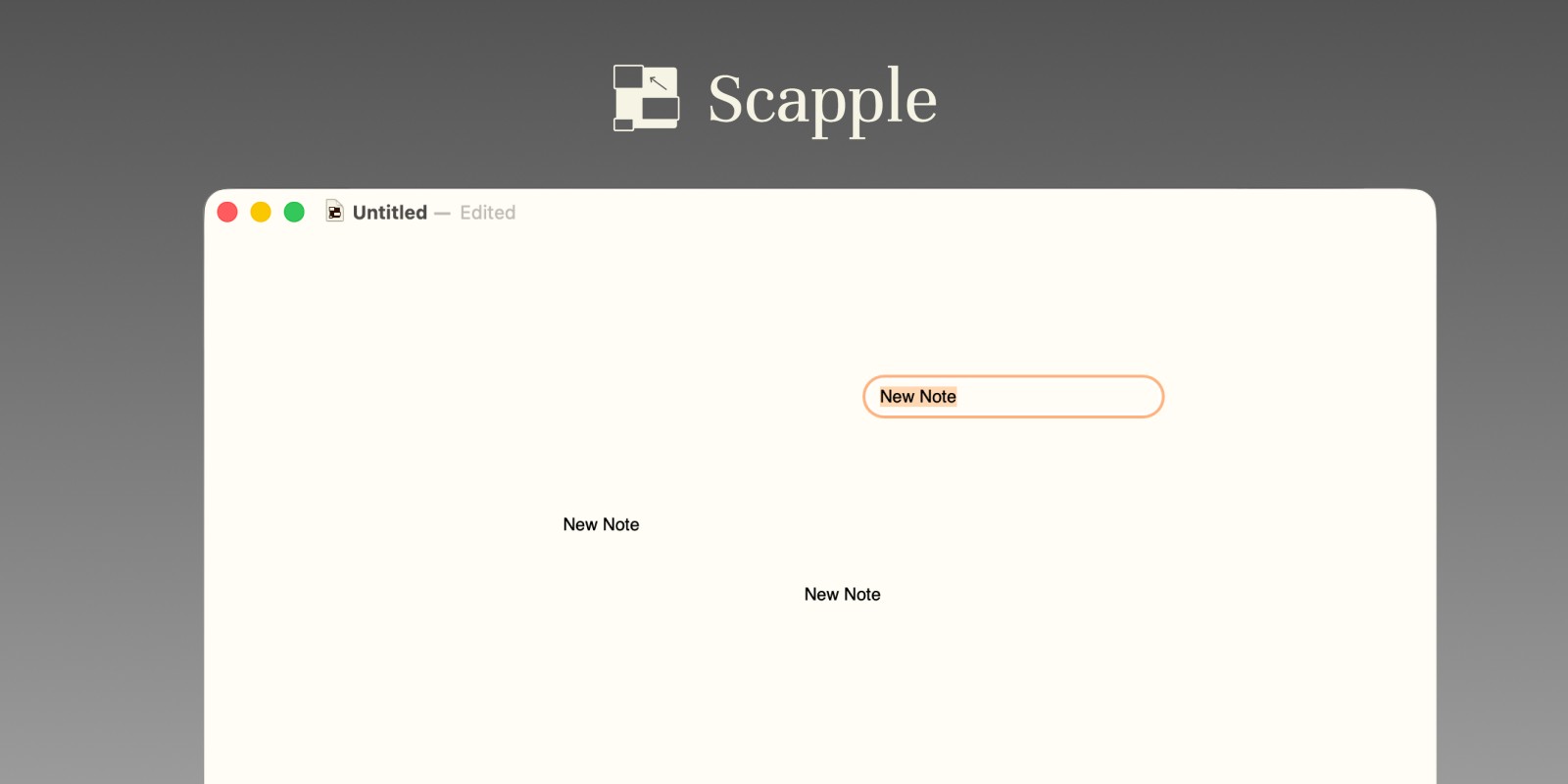
Scapple is made by Literature & Latte, the same team behind Scrivener. Where every other app in this list builds mind maps as hierarchies — a central node with branches radiating outward — Scapple takes a deliberately freeform approach. You double-click anywhere to create a note, drag one note onto another to connect them, and that's it. No parent nodes, no required structure, no templates to fill in.
That simplicity is the point. Scapple is for the early phase of thinking, when ideas don't have a shape yet and forcing them into a tree structure would be premature. Writers use it to explore character relationships and story structure. Researchers use it to map out a problem space before they know what they're looking for. It's a different kind of mind map tool — less organised, more generative.
Scapple is a one-time purchase with no subscription. A 30-day free trial is available before buying. It's available on both Mac and Windows, and was recently updated for macOS 26 compatibility.
Best for: Writers, early-stage brainstorming, anyone who finds traditional mind map hierarchies too rigid for how they actually think.
Summary
For most Mac users who just want to mind map, the choice comes down to a few clear options. If free mind mapping software for Mac is the priority, XMind's free tier covers the core features without paying anything. If you want a dedicated native app that lives across your Apple devices, MindNode is the most polished option at a reasonable subscription price. If you'd rather pay once and avoid subscriptions altogether, Scapple's freeform approach is worth a 30-day trial.
And if what you actually need isn't just a mind map but a place where your thinking connects to your work — Forma is the only native Mac app in this list built for both.