Every Mac ships with Freeform, Apple's free infinite canvas for sketching and sticky notes. It's a solid whiteboard — but it stays a whiteboard. Once the brainstorm is over, most Freeform boards get closed and never opened again, because there's no way to turn what's on them into something you actually do.
That's the gap people run into when they start searching for Freeform alternatives: something with the same spatial, freeform feel, but that connects to real work instead of sitting there as an archive. This guide breaks down exactly where Freeform holds up, where it falls short, and how Forma — a native Mac app built around the same idea of an open canvas — compares feature for feature.
Apple Freeform: A Great Whiteboard, Nothing More
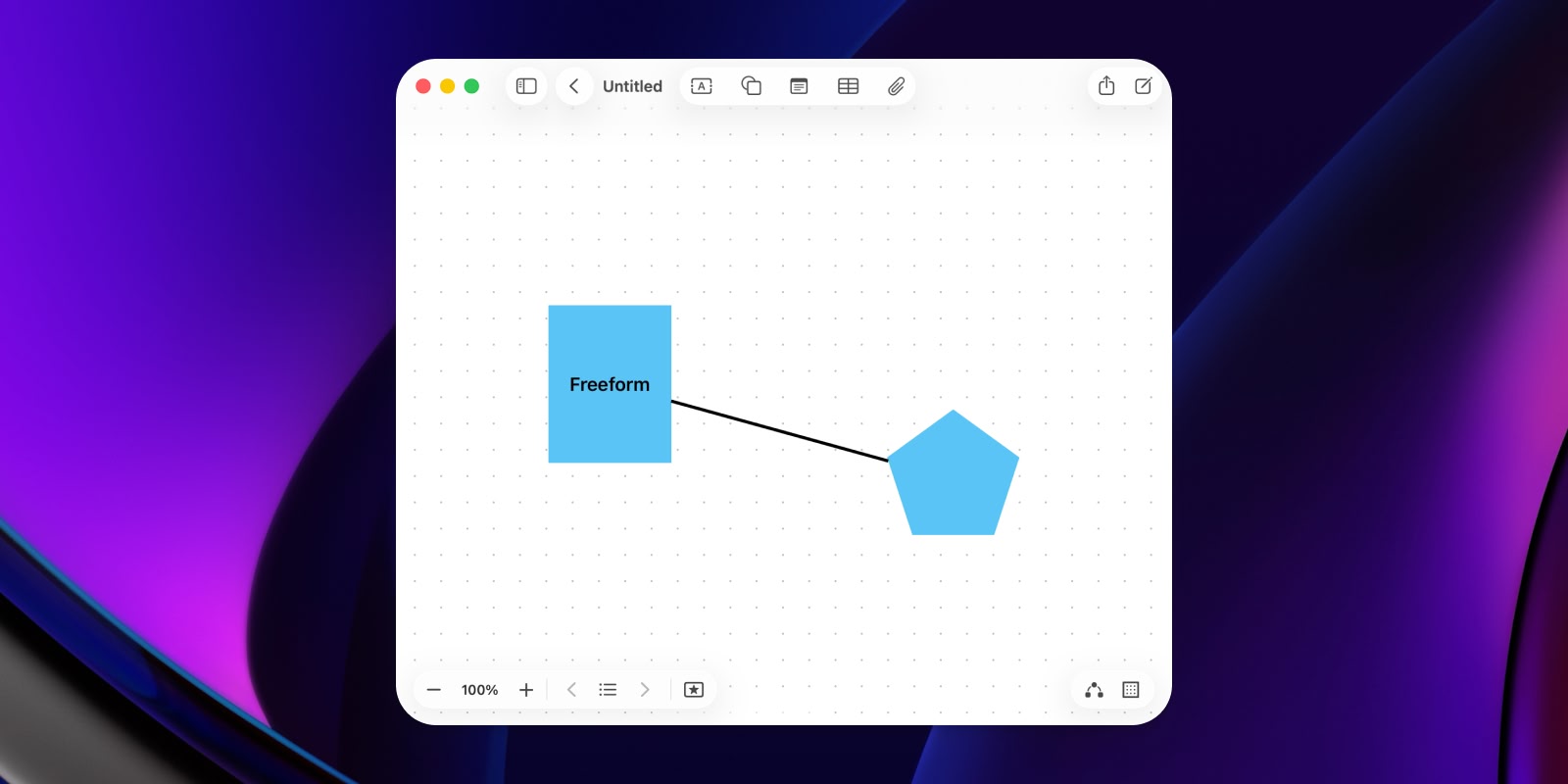
Apple's own Freeform is a free infinite canvas that comes with macOS. It supports sticky notes, shapes, images, links, and freehand drawing, and syncs across iPhone, iPad, and Mac through iCloud. Real-time collaboration with other Apple users is built in, and there's no account to set up beyond the Apple ID you already have.
For a quick brainstorm or a shared sketch, Freeform is genuinely good — the interface is clean and boards load instantly. The infinite canvas means you never run out of room, and dropping in a photo, a link, or a scribbled note takes seconds. If you're already deep in the Apple ecosystem and just need somewhere to think out loud with a colleague, it's hard to beat for the price of nothing.
The limits show up once you actually try to use it for anything ongoing. Every board you create piles into one flat list — there are no folders, no projects, no way to group related boards together, so it gets messy fast once you have more than a handful. Freehand drawing is clearly built with iPad and Apple Pencil in mind; on a Mac with just a trackpad or mouse, sketching feels more like an afterthought than a core feature. And most importantly, there's no concept of a task, a deadline, or a checklist that actually does anything. A sticky note stays a sticky note. Once the session ends, the board goes cold, and you're left scrolling through a growing list of boards you rarely reopen.
Best for: Quick sketches, shared brainstorms, Apple ecosystem users who just want a free whiteboard.
Forma: A Canvas That Turns Into a Workspace
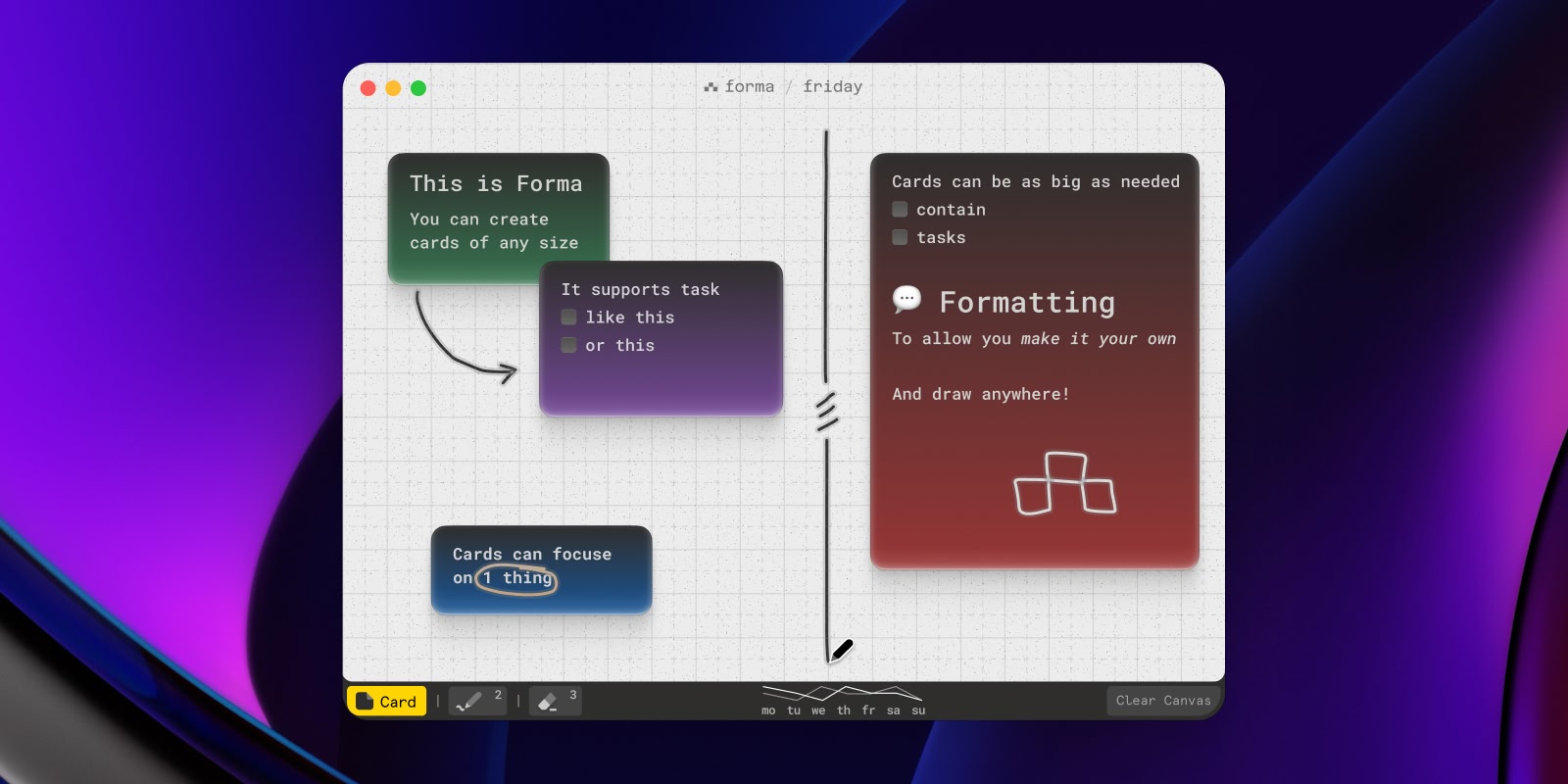
Forma starts from the same idea as Freeform — an open canvas where you place things instead of filing them into folders — but treats what you place there as more than a drawing. Instead of one infinite scroll, Forma gives you purpose-sized boards: one per project, one per client, one for the week ahead. The free version includes a single board, and Pro lets you create as many as you need. Each board is a fixed space, more like a sheet of paper than a bottomless canvas, which keeps related work contained instead of drifting into an endless list like Freeform's.
On each board, you place cards — and a card can be a note, a task, or both. You can cluster related cards together, build out a checklist inside a card, and turn a rough idea into an action item without ever leaving the canvas or switching to a separate to-do app. With Pro, you can also color-code cards — click any card and a color wheel appears on the side, so you can mark priority, project, or status at a glance across a busy board.
Like Freeform, Forma can sync across your Macs through iCloud (a Pro feature), so your boards stay current everywhere without any setup. Unlike Freeform, everything is stored locally first: boards open instantly and work fully offline, with an internet connection only needed for sync, and you can turn sync off entirely in Settings if you'd rather keep everything on one Mac. There's no account to create and no subscription — Forma is free to download, with Pro as an optional in-app purchase, and a Settings window covering the basics you'd expect, like launching at login.
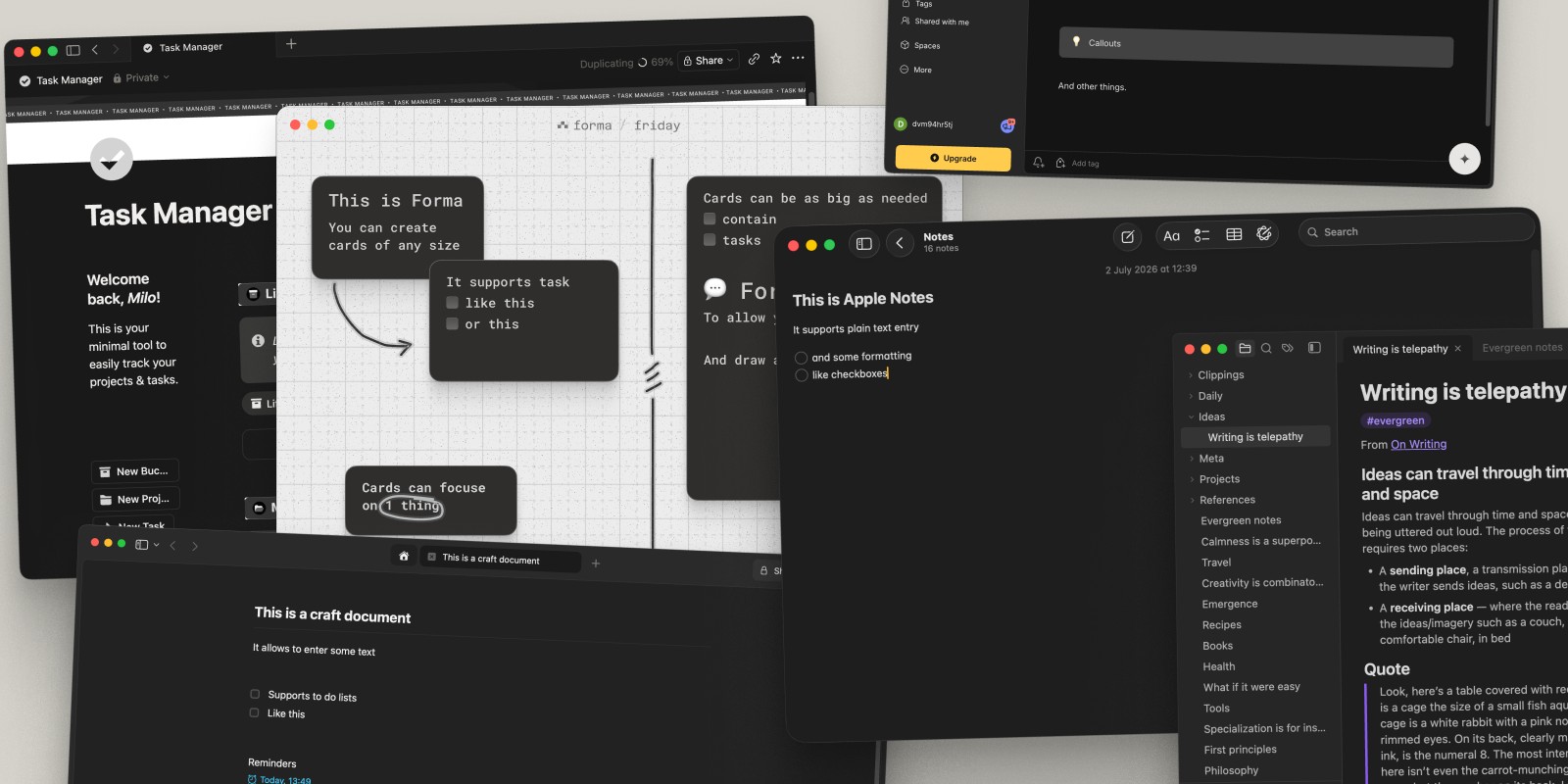
It's a native macOS app built by a product designer, and it shows in the details — from the way boards open instantly to the small interactions around moving and grouping cards.
Best for: Anyone who wants Freeform's spatial feel plus the ability to actually organize and finish what ends up on the board.
Freeform vs Forma: Feature by Feature
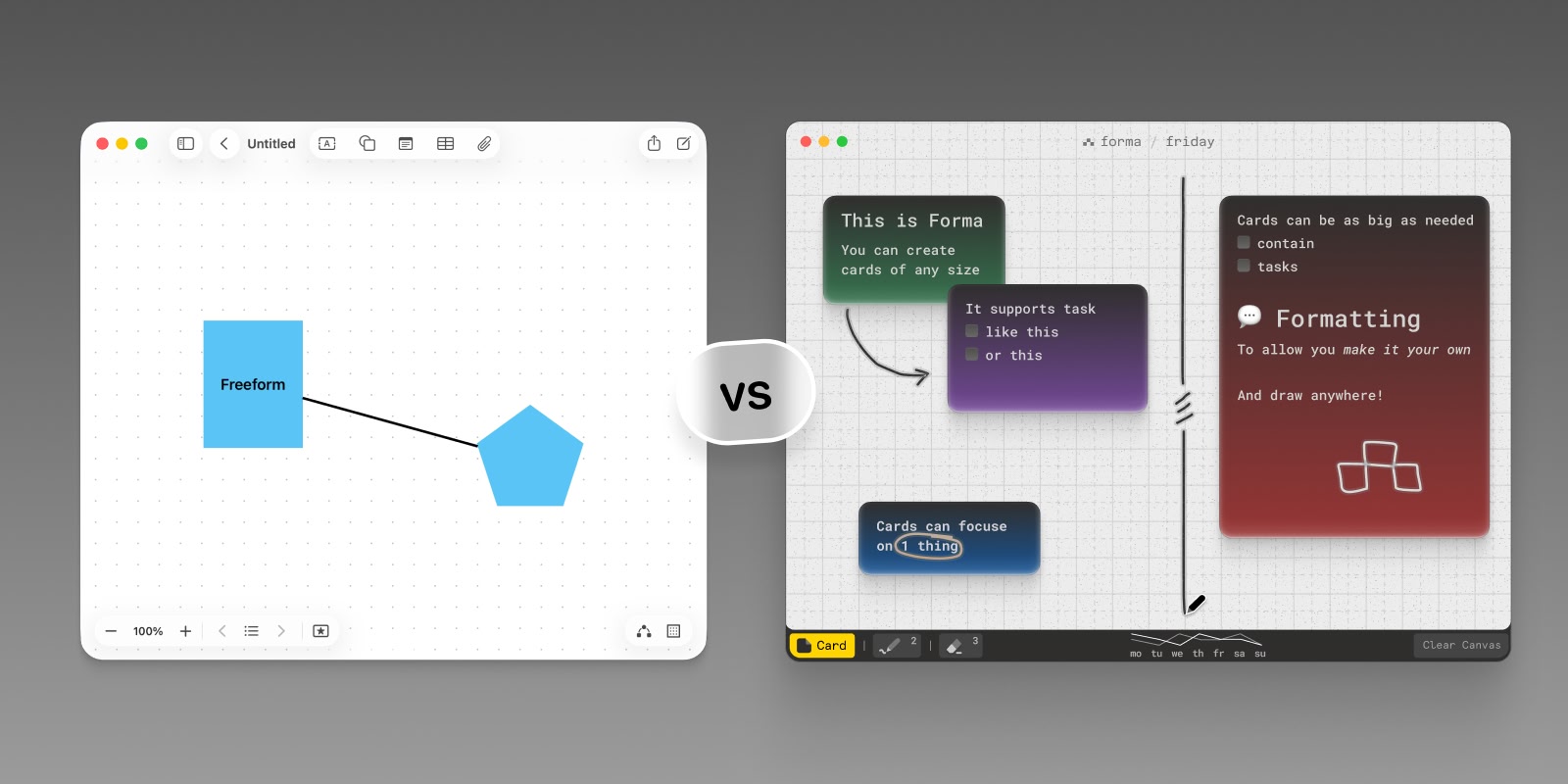
Canvas. Freeform gives you one infinite canvas per board — you never run out of space, but everything you make lives in a single, ever-growing scroll. Forma uses fixed-size boards instead, and with Pro you can create as many as you need, which keeps each project contained rather than sprawling.
Organization. Freeform boards pile into one flat list with no folders and no way to group them. Forma's multiple, purpose-built boards (a Pro feature) let you separate work by project or context from the start, so you're not hunting through dozens of look-alike canvases to find the one you need.
Task management. This is the biggest gap. Freeform has no concept of a task, a due date, or a checklist — a sticky note is just a sticky note, forever. In Forma, any card can become a task with a checklist, so the same canvas you sketch ideas on is also where you track what's actually getting done.
Drawing and input. Freeform's freehand tools are built with iPad and Apple Pencil in mind, and it shows the moment you try to sketch with just a trackpad. Forma is designed around a mouse-and-keyboard-first Mac workflow — placing, resizing, and connecting cards feels native rather than adapted from a touch interface.
Sync and offline access. Both apps can sync through iCloud with no account beyond your existing Apple ID (in Forma, sync is part of Pro). Forma stores everything locally first, so boards open instantly and work fully offline even when sync is off — a setting you control directly, unlike Freeform where iCloud sync isn't optional.
Collaboration. Freeform has the edge here — real-time, multi-user collaboration with other Apple users is built in, which makes sense for a tool built around shared brainstorming sessions. Forma is built for individual and small-scale planning rather than live co-editing.
Pricing. Freeform is free and pre-installed on every Mac. Forma is free to download too, with one board and black cards. Pro, an optional in-app purchase, unlocks card colors, multiple boards, iCloud sync, and PDF export — no account required, and Pro Family lets up to six people share it through Family Sharing.
Platform. Freeform is available across iPhone, iPad, Mac, and Vision Pro. Forma is a focused, native Mac app — if you're specifically looking for the best experience on macOS rather than a tool that needs to work identically across every Apple device, that focus is a feature rather than a limitation.
Switching From Freeform to Forma
There's no one-click import from Freeform, since the two apps are built around genuinely different structures — one flat, infinite canvas versus multiple focused boards. In practice, switching is less painful than it sounds: most Freeform boards that are worth keeping are small enough to recreate as a single Forma board in a few minutes, and the exercise of doing that is often the first time those stray sticky notes actually get organized into something usable. Start with whatever board you keep coming back to, turn its loose notes into cards, mark the ones that are really tasks, and go from there.
Freeform vs Forma: Which Should You Use?
If all you need is a quick, free surface for sketching with someone else in real time, Freeform does that well, and it's already on your Mac — there's no reason to look elsewhere for that specific job. But if your boards tend to fill up with things you meant to follow through on — tasks disguised as sticky notes, ideas that never turned into action — Forma is built specifically for that. It keeps the freeform, spatial way of thinking Freeform introduced, and adds the one thing Freeform can't do: turning a note into something finished.
If you want to compare more than these two, our roundups of the best whiteboard apps for Mac and the best canvas apps for Mac cover the wider field, including Miro, FigJam, Muse, and Milanote.