If you're looking for a whiteboard app for macOS, you already have more options than you probably realize — and they're more different from each other than the category name suggests. Some are built for quick collaborative sketching. Some are enterprise tools with templates and integrations. Some are beautifully minimal. And at least one was already installed on your Mac the day you got it.
The problem is that most whiteboard apps stop at the whiteboard. You can draw, diagram, and brainstorm — but once the session ends, the work sits there, disconnected from anything actionable. Here's an honest breakdown of the top options, and one that takes a different approach.
Apple Freeform: Already on Your Mac
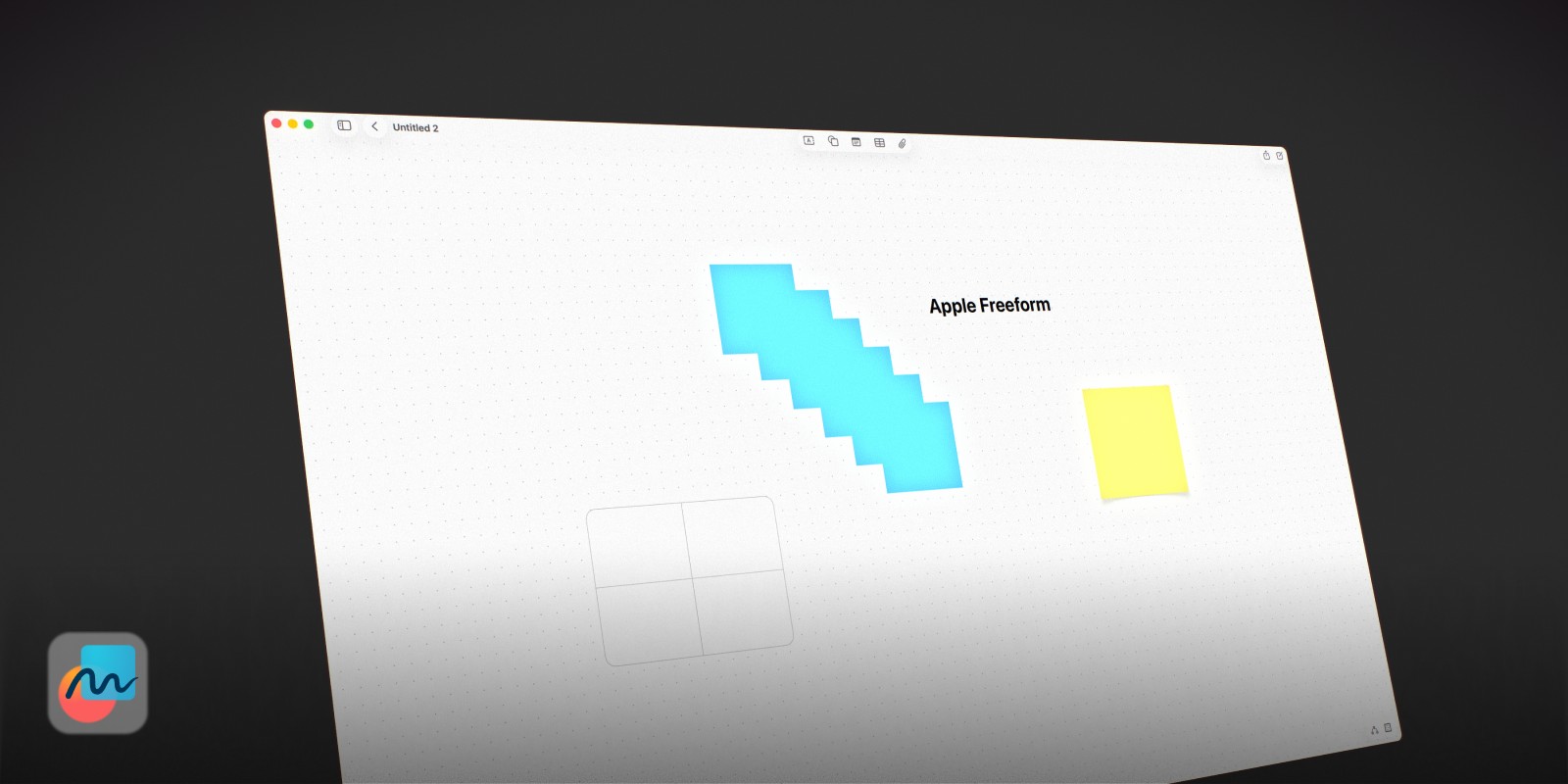
Apple's own Freeform is the most overlooked whiteboard app for macOS — because it's already there. Available free since macOS Ventura, it gives you an infinite canvas with sticky notes, shapes, connector lines, images, and links. It syncs across iPhone, iPad, and Mac via iCloud, and supports real-time collaboration with other Apple users.
For a free, built-in app, Freeform is genuinely good. The interface is clean, boards load instantly, and getting started requires no account or setup anywhere. It works especially well if you're already deep in the Apple ecosystem and want to sketch something out with a friend or colleague.
The limits are real though: there are no templates, no advanced diagramming, and no way to turn a sticky note into a task. It's a whiteboard in the purest sense — a surface to annotate and organise on, not a tool to plan with. Once the meeting is over, most Freeform boards become archives you never return to. If you've already hit those limits, our guide to the best Apple Freeform alternatives covers what to use instead.
Best for: Quick brainstorms, collaborative sketching, anyone who wants a free whiteboard app built into macOS.
Forma: When the Whiteboard Needs to Do More
Every whiteboard app included here does the same fundamental thing: gives you a surface to draw or place things on. They're built for the session — the meeting, the sprint, the brainstorm. What they don't do is help you follow through when the session is over.
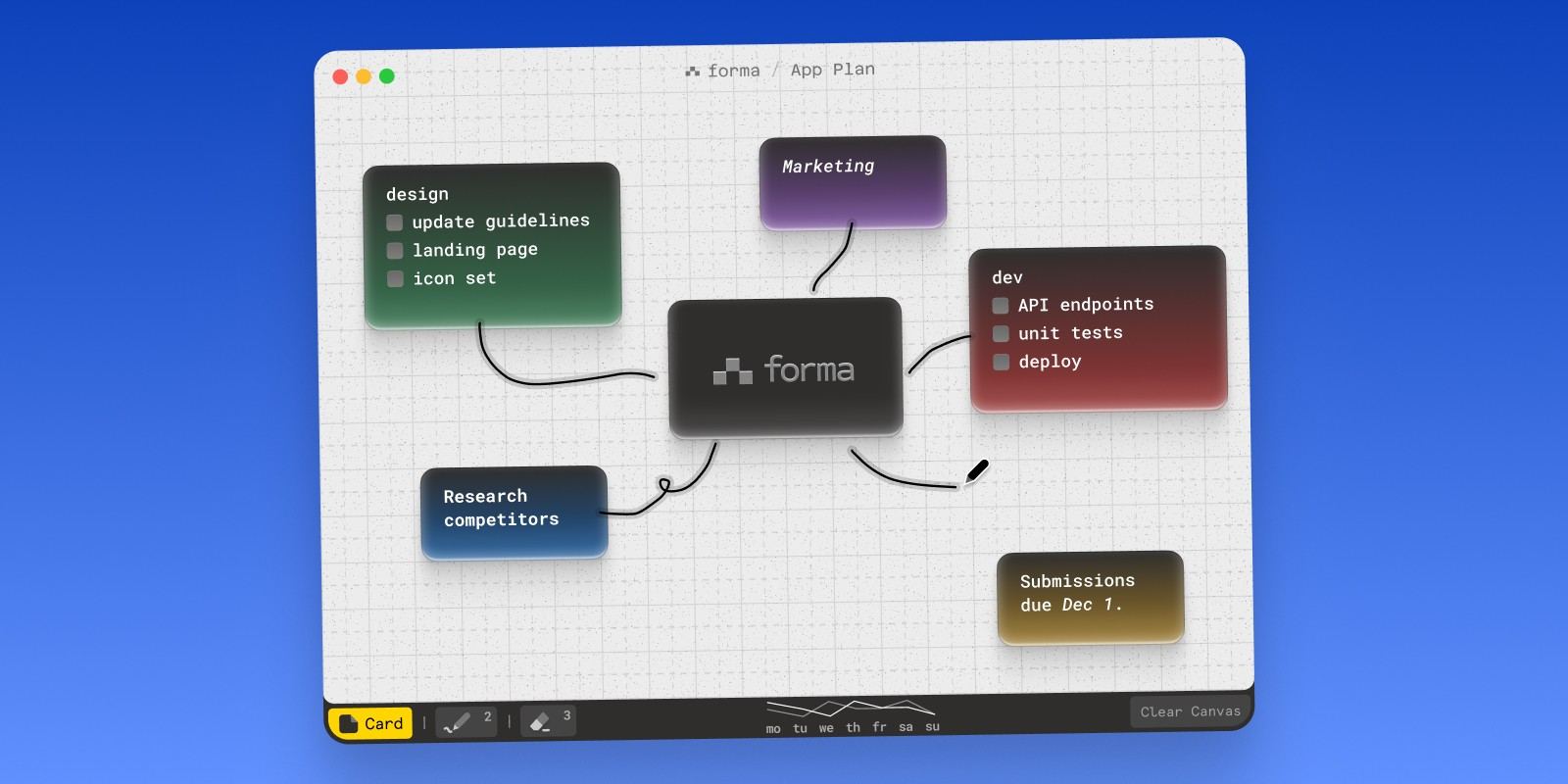
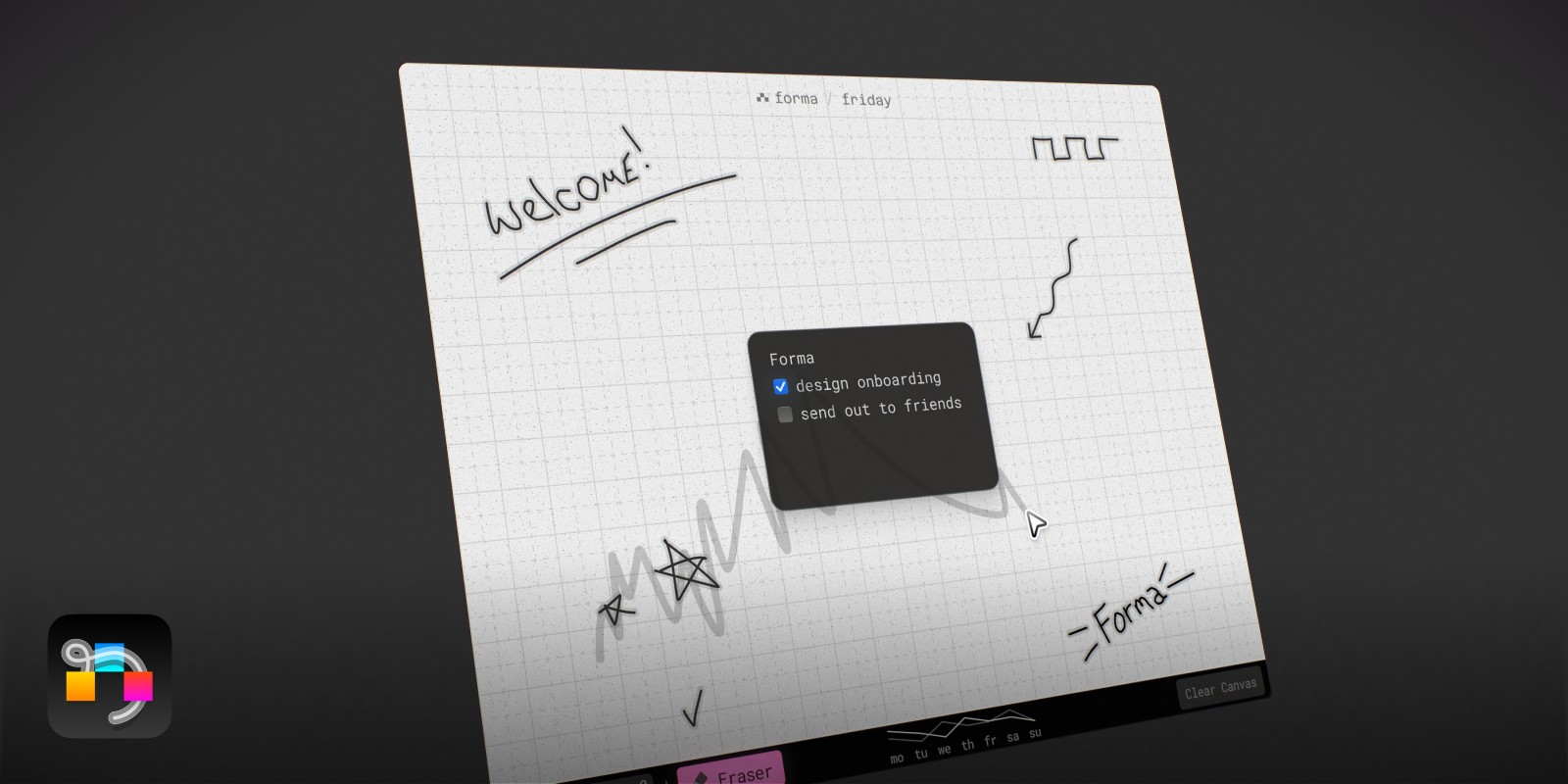
Forma is a native macOS whiteboard app built around a canvas where you place cards — each one a note, a task, or both. You can sketch ideas spatially, cluster related thoughts together, and then act on them without switching to a separate task manager. A card can start as a rough thought and become an action item in the same place, without ever leaving the canvas.
Unlike every other option in this list, Forma is a native Mac app in the truest sense — built specifically for macOS, not wrapped in a browser or ported from a web platform. It uses your system resources efficiently, works completely offline, and feels like it belongs on a Mac. There's no subscription and no account — your data lives on your Mac and syncs securely through Apple's own iCloud servers by default, which you can turn off in settings if you'd rather keep it on one Mac.
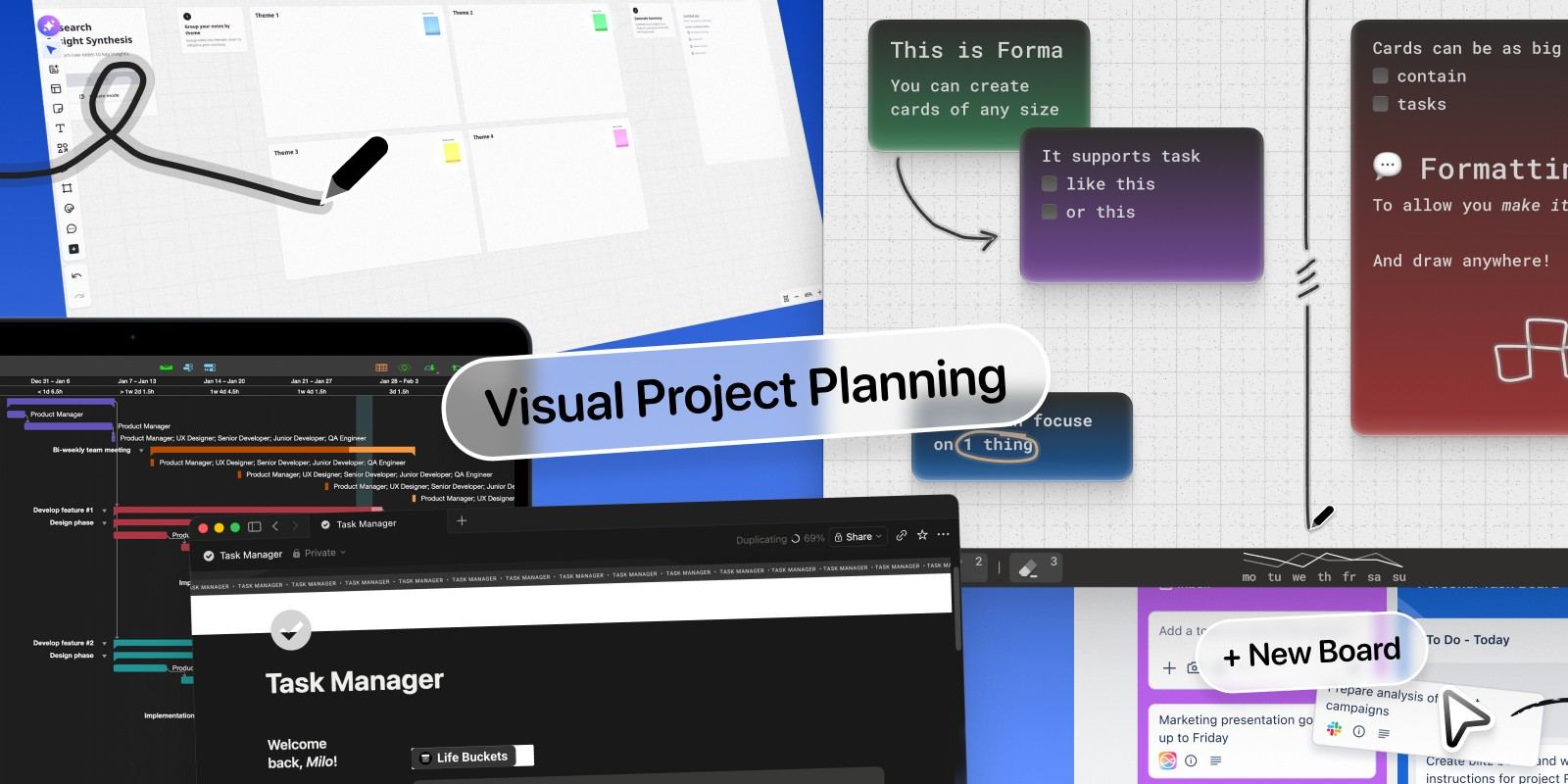
Every interaction has been thought through carefully — grid snapping that keeps layouts clean, card stacking, keyboard-driven navigation, and a spatial canvas that holds up for real ongoing projects, not just one-off sessions. The result is an app that feels genuinely smooth and pleasant to use in a way that most productivity tools don't bother with. If you've ever finished a whiteboard session and wondered how to turn it into a plan, Forma is the answer to that question — and our guide to visual project planning software shows how that planning step works.
Best for: Visual thinkers, solo project management, Mac users who want a whiteboard that connects to actual work — without a subscription or an account.
Miro: The Industry Standard for Team Collaboration
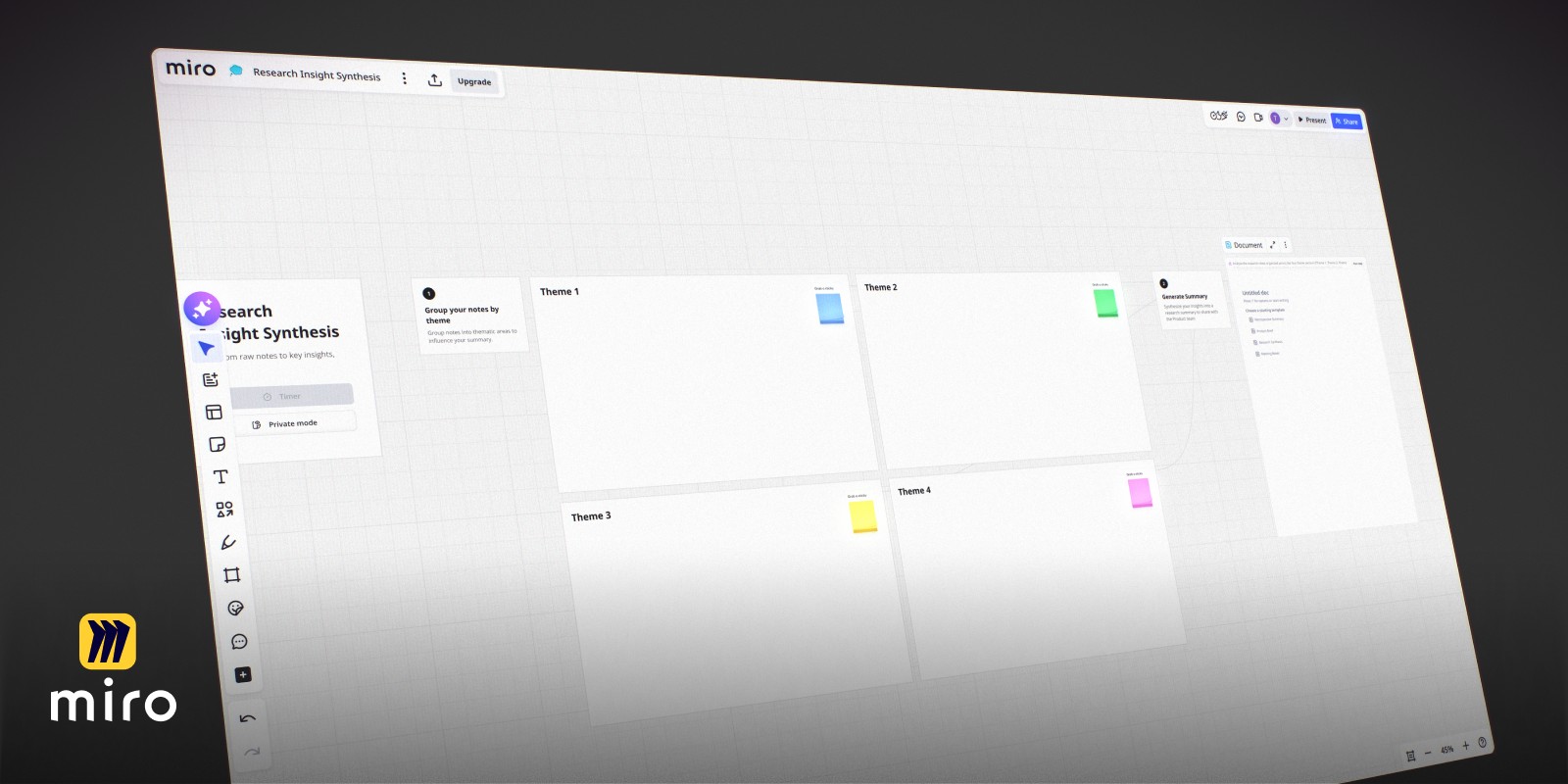
Miro is the best-known whiteboard app in the world. It runs in the browser and has a Mac desktop app — though that app comes with a significant caveat, more on that in a moment. It covers everything you'd expect from an enterprise-grade collaborative whiteboard: sticky notes, shapes, connectors, voting, timers, templates for retros and design sprints, and integrations with Jira, Asana, Slack, Figma, and dozens more. An account is required to use it, even on the free tier.
The free tier is limited to three editable boards — fine for a solo user but immediately constraining for a team. After that, it's $8–$10 per user per month (billed annually). That's a reasonable price for a team that runs meetings on whiteboards. For a solo Mac user who just wants an infinite canvas to think on, it's more structure and more cost than the job requires.
About that caveat: Miro is a web-first tool. The Mac app is essentially a wrapped browser. If you care about native performance — keyboard shortcuts that feel instant, no loading states, a UI that respects your system font and menu bar — Miro won't feel like a Mac app. It'll feel like a web app in a window.
Best for: Product teams, design sprints, remote workshops, anyone who needs a collaborative whiteboard with enterprise integrations.
FigJam: The Designer's Whiteboard
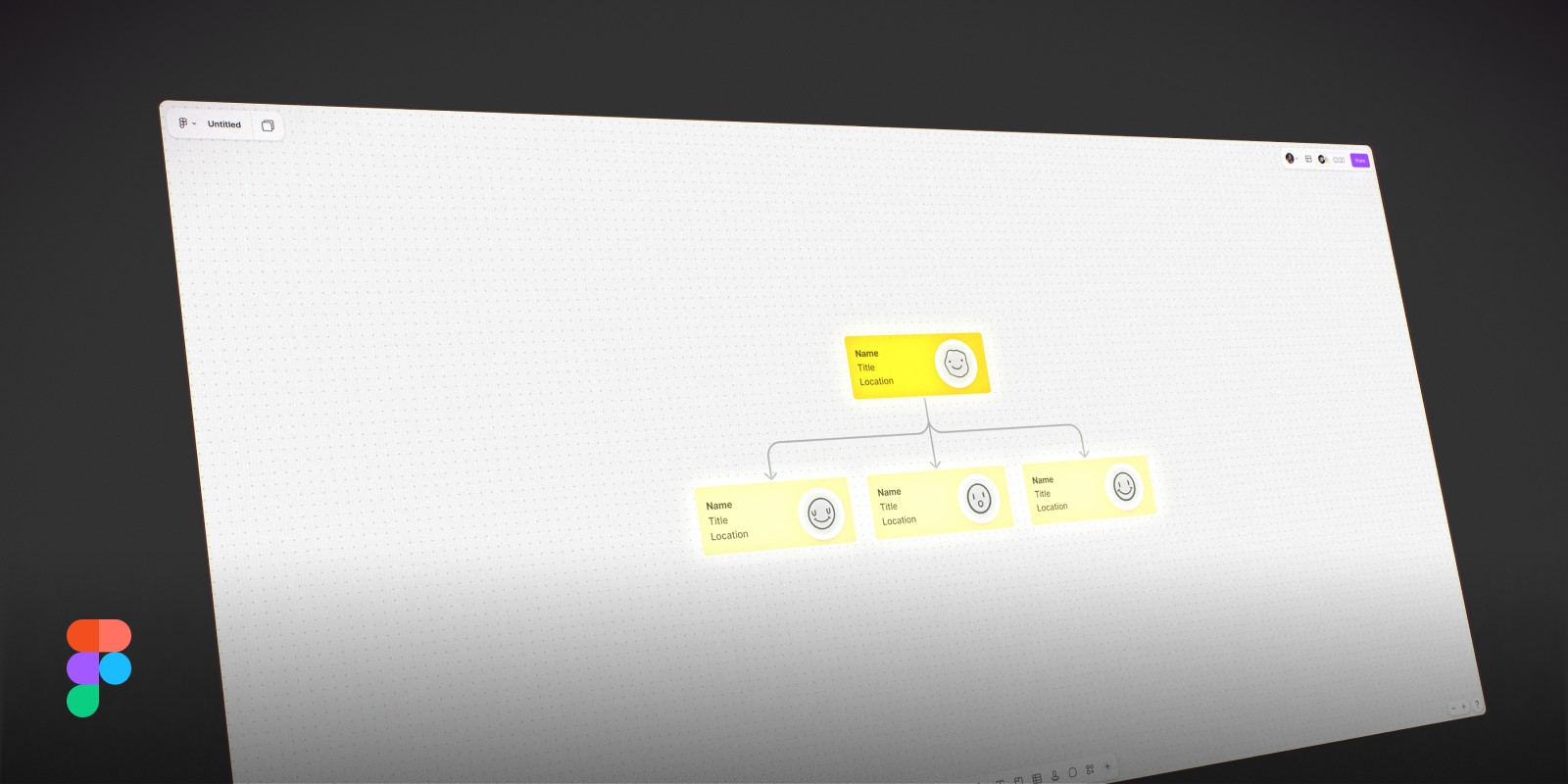
FigJam is Figma's dedicated whiteboard product. It sits inside the Figma app — there's no separate FigJam download — which means using it requires a Figma account and brings along the entire Figma workspace whether you need it or not. It has sticky notes, drawing tools, shapes, connectors, polls, and timers.
FigJam is free for up to three collaborative files, with paid plans starting at $3/editor/month in the Figma Organization tier. Like Miro, it's a browser-first tool with a desktop wrapper. For design teams already inside the Figma ecosystem, it's a natural addition. For anyone outside that context, the bundling is a problem — you can't get the whiteboard without everything else.
If you just want a whiteboard app for macOS and have no interest in Figma's broader design tooling, you'll be paying for and navigating around a lot of things that don't apply to you.
Best for: Design teams on Figma, UX brainstorming, wireframe sketching sessions alongside existing Figma projects.
Excalidraw: Open Source, Sketch-Style, Free
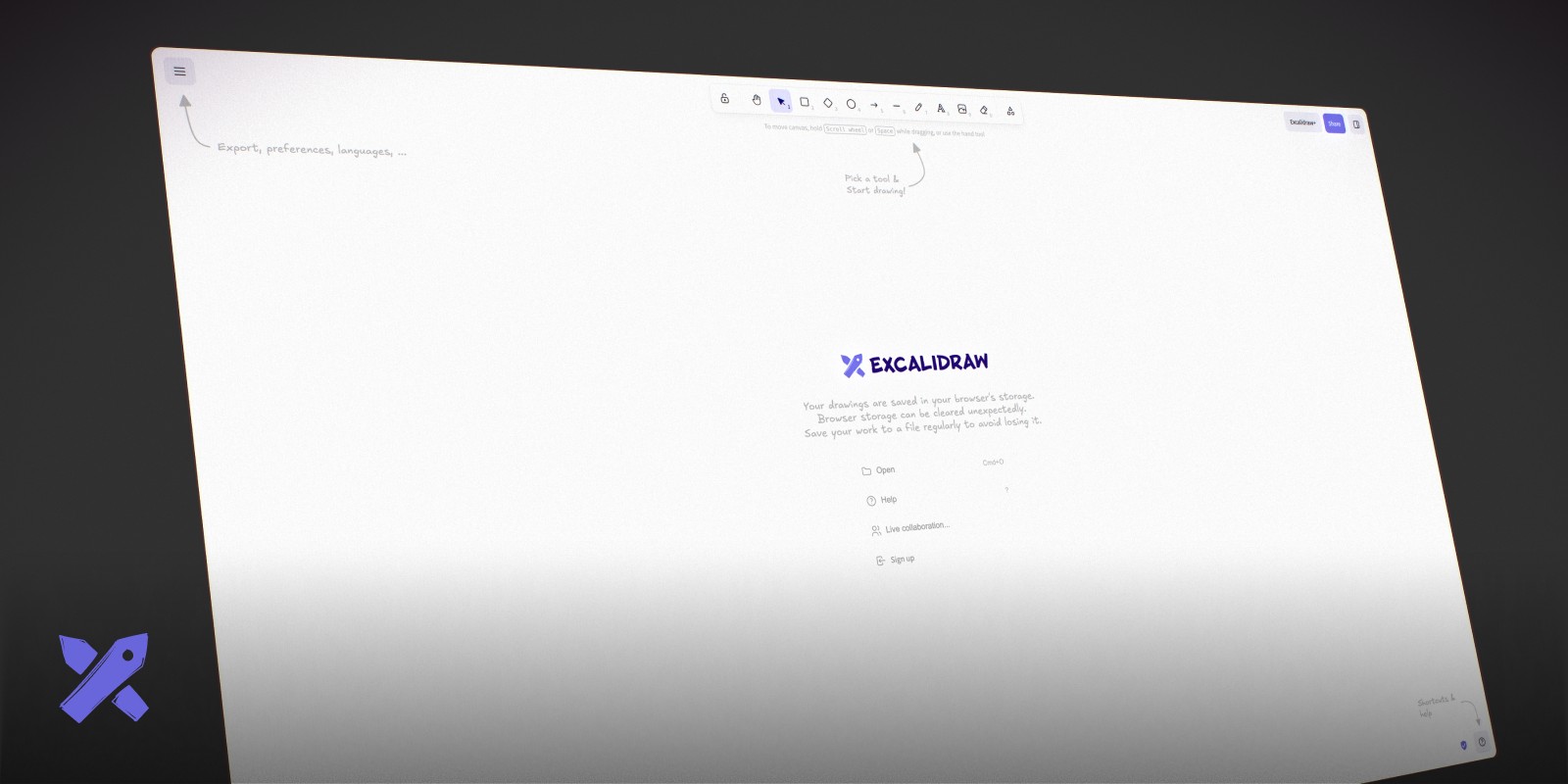
Excalidraw is an open-source whiteboard that runs in any browser and renders everything in a charming hand-drawn style. It supports shapes, arrows, text, freehand drawing, and rough sketches — and because it looks like a whiteboard you drew yourself, diagrams feel approachable rather than corporate.
The tool is completely free, requires no account to start, and can export to PNG and SVG. You can self-host it, and there's an end-to-end encrypted collaboration mode. For technical users who want a lightweight whiteboard for system diagrams or quick architecture sketches, it's a strong choice.
The trade-off is that Excalidraw is very much a drawing tool. There are no sticky note layers, no task management, and no structured content beyond what you draw. It's also browser-only — there's no native macOS app, though you can wrap it in a browser window. If you want something that lives in your dock and works like a Mac app, Excalidraw isn't it.
Best for: Engineers, technical diagrams, free lightweight whiteboarding, self-hosters.
Summary
Most whiteboard apps for macOS are session tools. They're excellent for the meeting, the retro, the brainstorm — but the board goes cold as soon as the work shifts from thinking to doing. If you're a Mac user who wants a whiteboard that persists as a working environment, not just an artifact, the native apps are worth a serious look.
Apple Freeform is a strong starting point if your needs are simple and free matters. Miro and FigJam are the right calls for teams embedded in those platforms. Excalidraw is the best free option for technical diagramming.
If you want a whiteboard that runs natively on macOS, works offline, and lets you turn a brainstorm into an actionable plan — all without a subscription — Forma is the only app in this list that does it.
If you want that same open surface but for organizing notes and tasks rather than pure sketching, see our comparison of the best canvas apps for Mac. And if your thinking tends toward branching hierarchies rather than open sketching, our guide to the best mind mapping software for Mac covers that instead.