Picking the best note-taking app for Mac is harder than it sounds. The category looks uniform from the outside — you write things down, you find them later — but the apps are actually quite different from each other. Some are minimalist writing tools. Some are full workspaces with databases and wikis. Some store everything locally; others sync to the cloud. And the best free note-taking app for Mac might not be the right one for how you actually work. If what you actually need is something lighter than a full note-taking app — quick, disposable reminders rather than a searchable archive — see our guide to the best sticky notes apps for Mac instead.
This guide covers six of the best options for macOS in 2026, including where each one excels, what it costs, and what kind of user it's genuinely built for. The first pick is the one most note-taking apps never quite become: a place where your notes connect to what happens next.
Forma: Notes That Connect to Your Work
Most note-taking apps are archives. You write something down, file it away, and search for it later. The note and the action it's supposed to drive remain separate — different apps, different contexts, different mental modes.
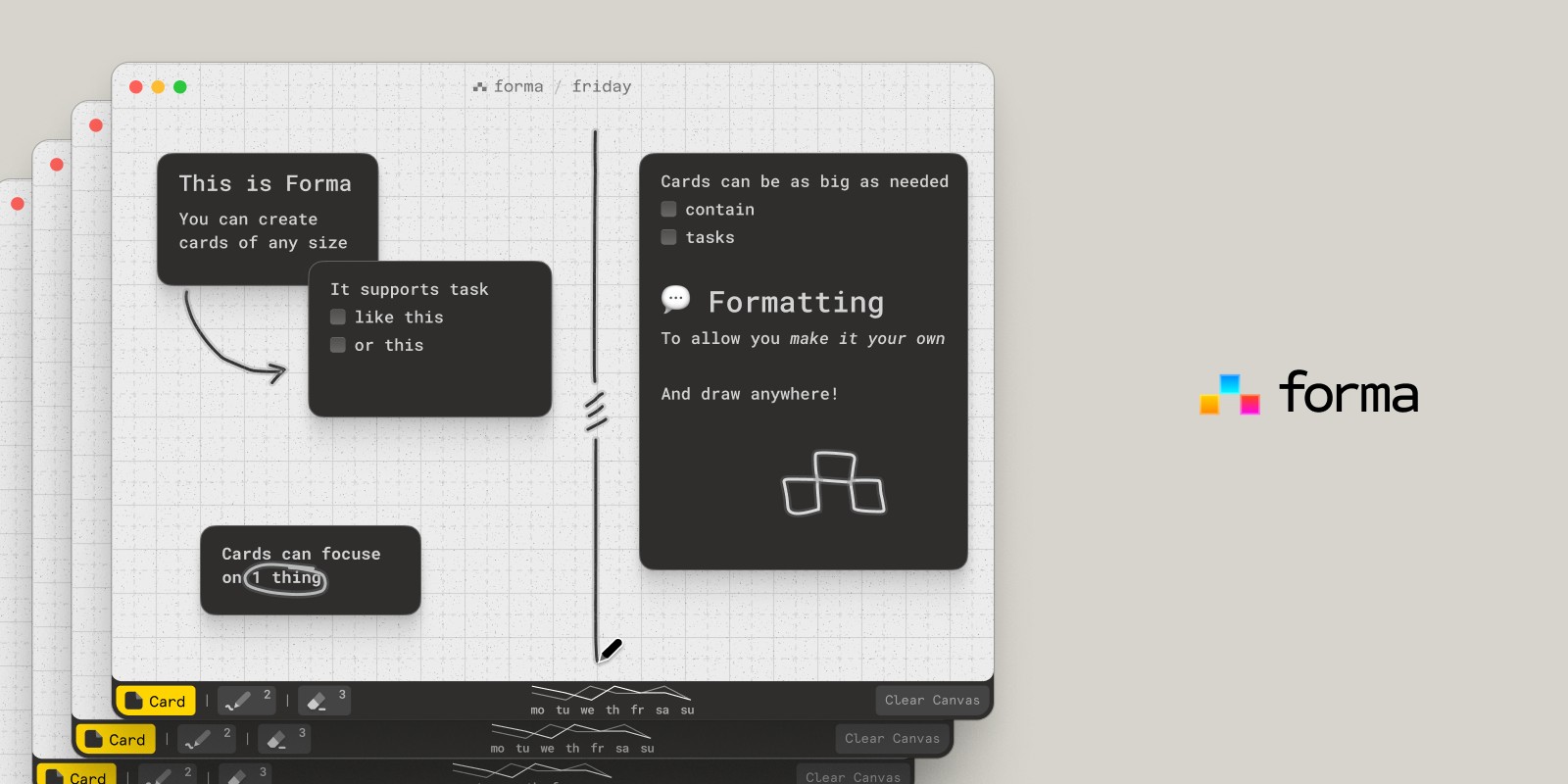
Forma takes a different approach. It's a native macOS note-keeping app built around a spatial canvas: a fixed-size workspace, like a piece of paper, where you place cards that can be notes, tasks, or both. You can create as many boards as you need — one per project, one per client, one for the week ahead — and each board holds its own focused space of cards arranged however makes sense to you.
The result is a note-taking environment where the note and the action live in the same place. A thought you jot down can become a task without switching apps. A cluster of ideas can become a project plan just by rearranging the cards. Because Forma is a native Mac app — not a browser wrapper or a web app ported to the desktop — every interaction feels immediate, and the app works completely offline with no account required.
Forma is frequently updated and has no free tier. It's a paid app designed for Mac users who want their notes and their work to live in one place rather than two.
Best for: Visual thinkers, solo project management, Mac users who want spatial note-keeping that doubles as a task workspace.
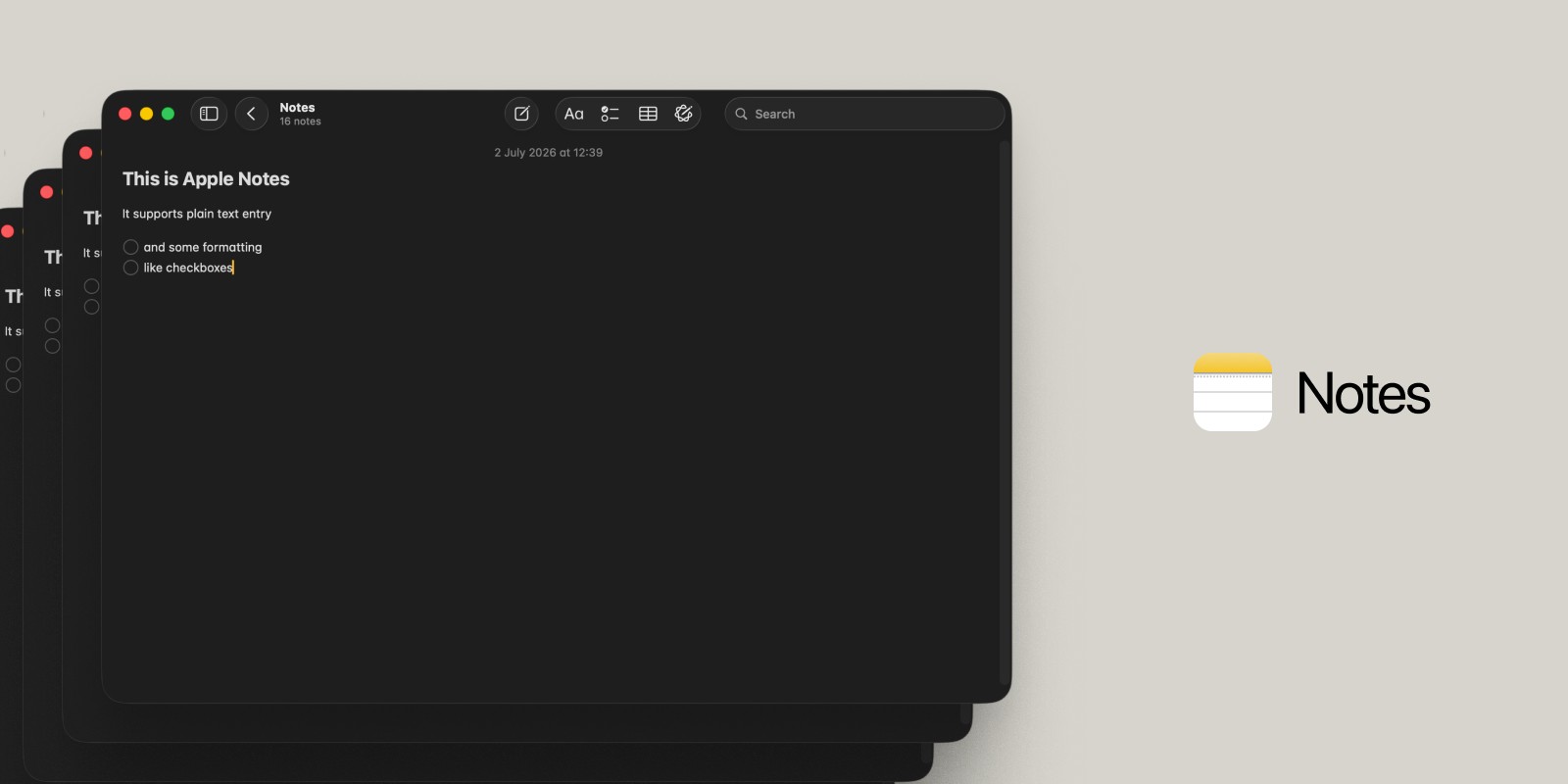
Apple Notes: The Best Free Note-Taking App for Mac
If you're looking for the best free note-taking app for Mac, the answer is probably already on your machine. Apple Notes has evolved significantly over the last few years and now covers far more ground than most people realise.
The 2026 version includes nested folders with Smart Folders and tags, document scanning with full OCR (so text inside photos and scans is searchable), audio recording with live transcription, inline math that solves expressions as you type, collaborative notes with real-time editing, and note locking via Face ID or Touch ID. All of it syncs across Mac, iPhone, iPad, and Apple Watch via iCloud, with nothing to pay and no account beyond your Apple ID.
The limits are real, but they're worth being clear about. Apple Notes is built around a document model — each note is its own page. There's no linking between notes, no relational databases, no way to view your notes as anything other than a list. For simple capture, reference, and retrieval, it's excellent. For managing complex projects or building a connected knowledge base, it runs out of room quickly.
Best for: Anyone who wants a free, reliable, well-maintained notes app for Mac that syncs across all Apple devices without any setup.
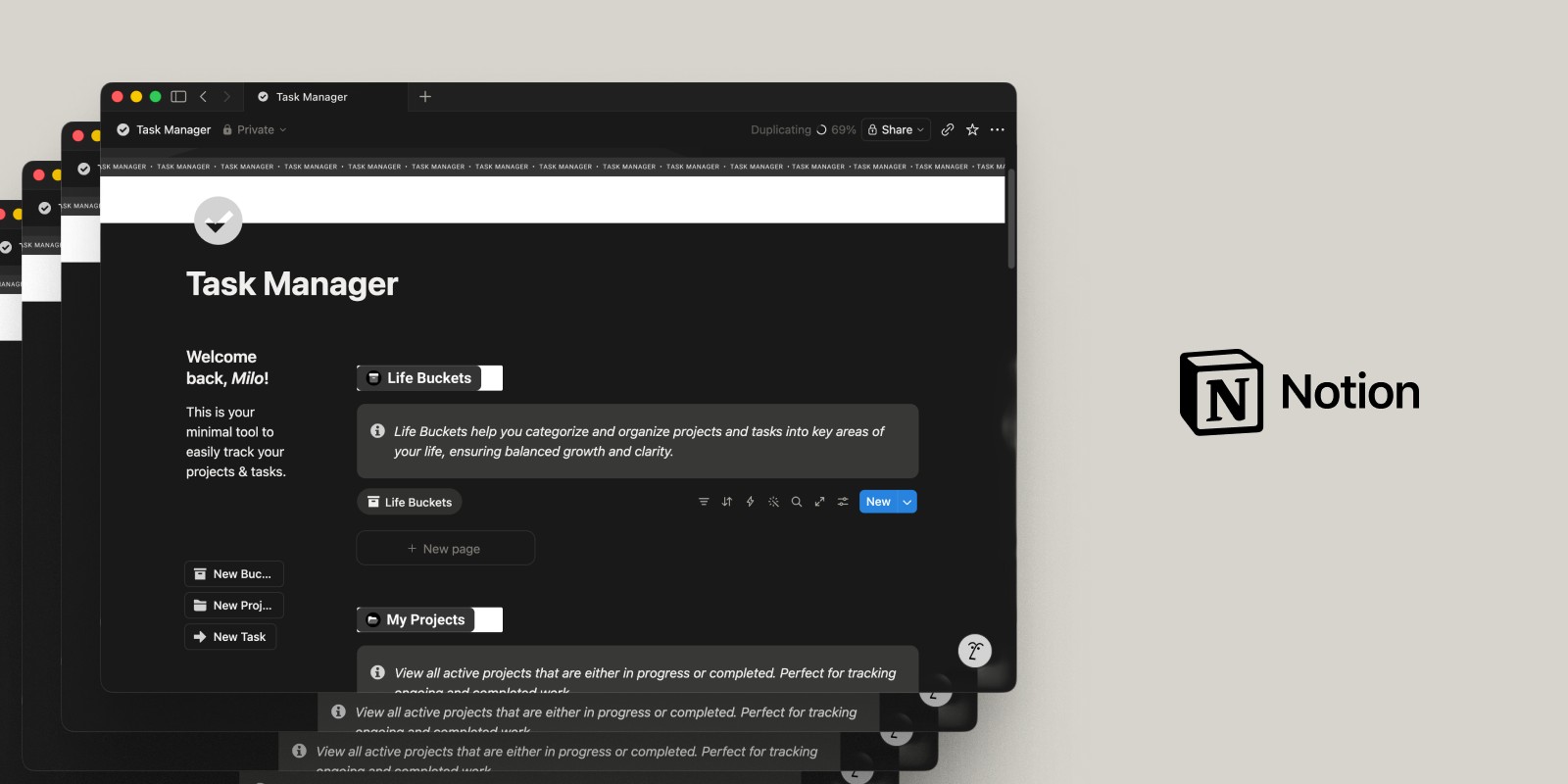
Notion: The All-in-One Workspace
Notion is less a note-taking app and more a complete workspace — documents, databases, wikis, kanban boards, calendars, and task lists, all built on a block-based editor that lets you combine them however you like. For teams and individuals who want everything in one place, nothing else comes close to the range of what Notion can do.
The free plan includes unlimited blocks for individual use, which is genuinely useful for solo workflows. The Plus plan, at $10/member/month (billed annually), adds larger file uploads, 30-day version history, and removes guest limits. Notion is not a native Mac app — it's a web-first platform with a Mac wrapper — so it requires a connection and behaves like a browser tab rather than a desktop app. That said, it's polished for what it is.
The challenge with Notion as a note-taking app for Mac is that its power is also its obstacle. Getting started requires building your own structure — deciding how pages nest, which databases to create, what views to use. For people who enjoy system-building, that flexibility is the appeal. For people who just want to write something down and find it again, it's friction.
Best for: Teams, power users, and anyone who wants to consolidate notes, docs, tasks, and databases into a single workspace.
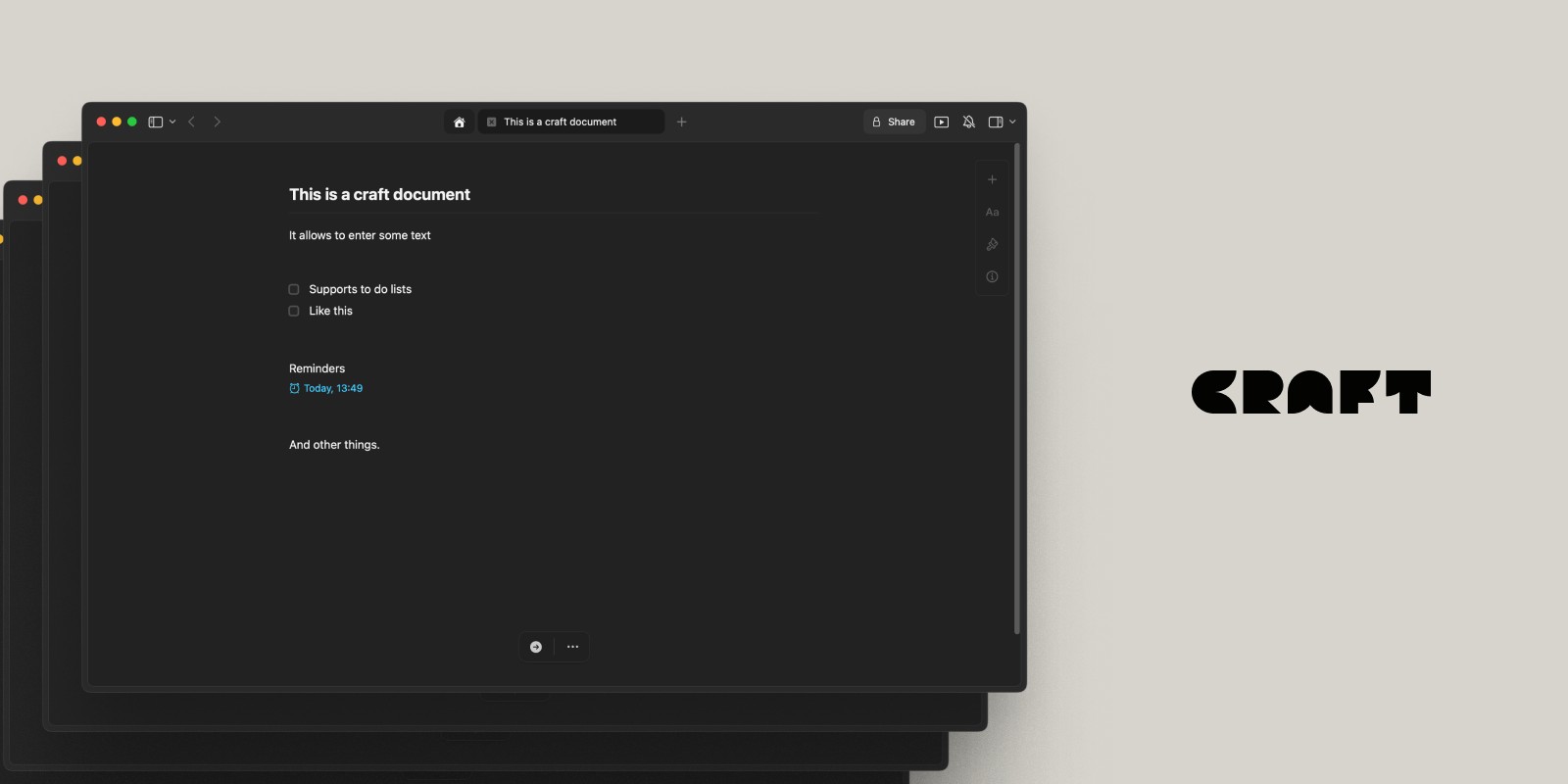
Craft: The Mac-Native Document Editor
Craft is the note-taking app that feels most like it was built by people who care about macOS. It's a document editor with a block-based structure similar to Notion, but designed explicitly for Apple platforms — with native performance, proper keyboard shortcuts, Spotlight integration, Handoff support, and an interface that follows Apple's design conventions.
Notes in Craft are structured as documents with nested pages. You can link between notes, create backlinks, and share documents with clean public URLs. The 2026 version added on-device AI powered by Apple's Foundation Models — private, offline AI that can rewrite, summarise, and expand your notes without sending anything to a server.
Craft is free to start, with a Plus plan at $5/month (billed as $60/year) that adds unlimited documents, AI access, and 30-day version history. For Mac users who want the flexibility of a structured document editor without the web-app feel of Notion, Craft is the strongest alternative.
Best for: Mac-first users who want a polished, structured note editor with document organisation, cross-device sync, and on-device AI.
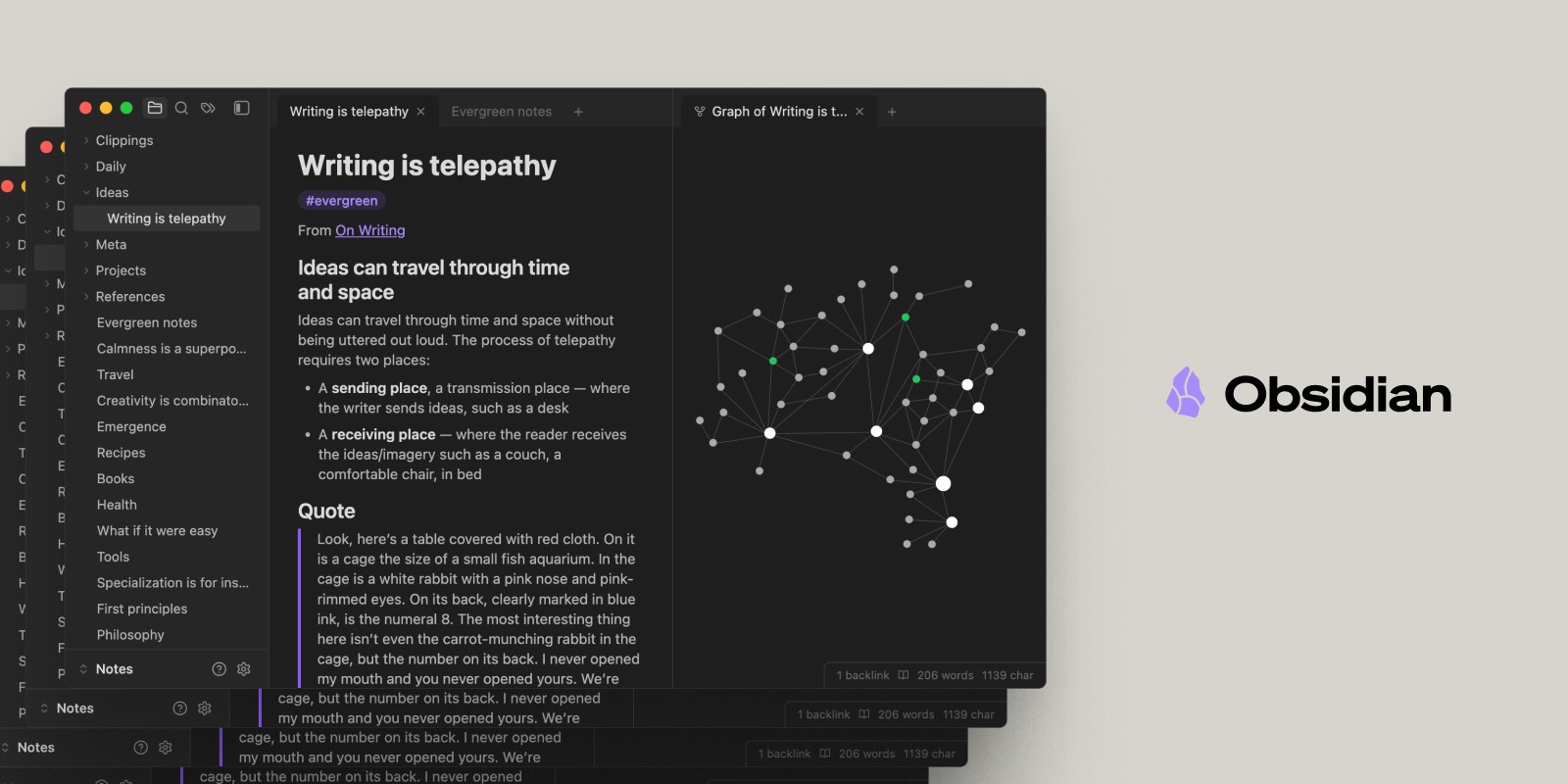
Obsidian: The Local-First Knowledge Base
Obsidian is the best note-taking app for Mac if you want total control over your data. Notes are stored as plain Markdown files in a folder on your machine — you own the files, you can open them in any text editor, and they'll still be readable decades from now. No proprietary format, no lock-in, no upload.
The core app is completely free and doesn't require an account. You write in Markdown, link notes to each other with double-bracket syntax, and navigate your knowledge base through a graph view that shows how your notes connect. A large ecosystem of community plugins extends the app into a calendar, a task manager, a spaced-repetition system, or almost anything else you can think of.
The optional Obsidian Sync service — $4/month (billed annually) — adds end-to-end encrypted sync across your Mac, iPhone, iPad, and other devices. Without it, your notes stay local, which many Obsidian users consider a feature, not a limitation.
The learning curve is real. Obsidian rewards users who are willing to set it up on their own terms, but that setup takes time. If you want something you can open and immediately use, Obsidian is not the right starting point. If Obsidian's learning curve is the dealbreaker, our full Obsidian alternatives comparison covers six options built to be easier to pick up.
Best for: Power users, researchers, writers, and anyone who wants a local-first, plain-text note-keeping system with deep customisation and no subscription.
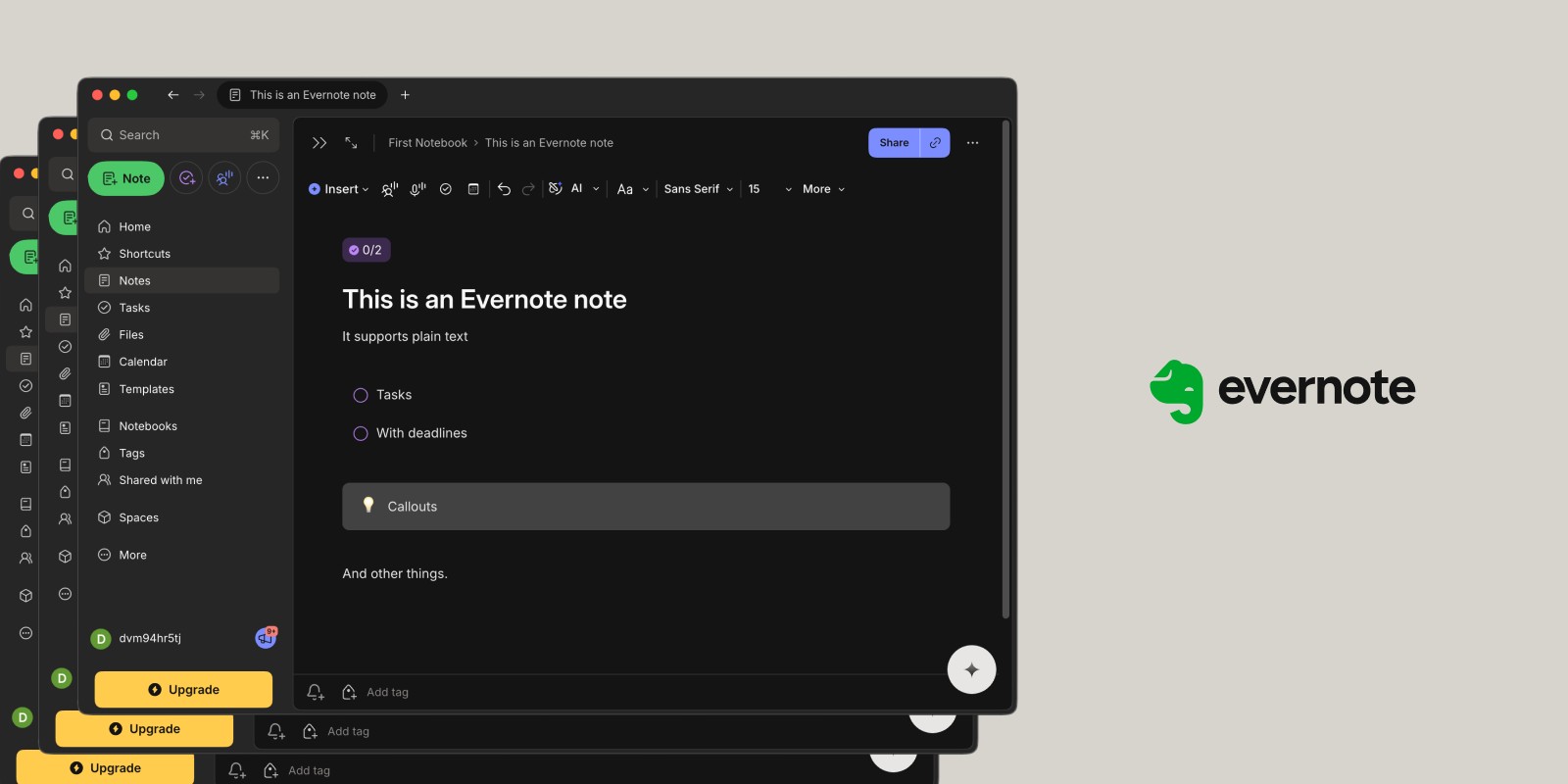
Evernote: The Pioneer That's Lost Its Edge
Evernote is the app that defined digital note-taking for a generation of Mac users, and it's worth including here honestly — because for many people it's a reference point, even if it's no longer the recommendation.
The core feature set remains capable: web clipping, document scanning, search across PDFs and images, notebooks, tags, and cross-platform sync. The Mac app is well-built. For users who have years of notes stored in Evernote, migrating is genuinely painful.
The problem is pricing. Evernote restructured its plans in late 2025, replacing the old Personal and Professional tiers with Starter and Advanced. The free tier is now severely restricted — limited to 50 notes, one notebook, and one device — which makes it essentially non-functional as a long-term note-taking tool. The Starter plan costs approximately $10/month (billed annually); the Advanced plan is $20.83/month. For what you get compared to Apple Notes (free), Craft ($5/month), or Obsidian ($4/month for sync), those prices are hard to justify for new users in 2026.
If you're already invested in Evernote and the migration cost outweighs the price, staying is reasonable. For anyone starting fresh and looking for the best note-taking software for Mac, there are better options at every price point.
Best for: Existing Evernote users with a significant note library, or users who specifically need powerful web clipping alongside their note-keeping.
Summary
The best note-taking app for Mac depends on what you're actually trying to do. If free is the requirement, Apple Notes covers the basics and then some — and Obsidian's core app is also free, with optional paid sync. If you want a polished structured editor that feels native to macOS, Craft at $5/month is the standout. If your work lives in documents, databases, and wikis, Notion gives you the most room to build. And if you've outgrown Evernote, almost anything else in this list is a better value in 2026.
If what you actually need isn't a note archive but a place where your thinking connects directly to your work — where a note can become a task, where ideas have a spatial relationship — Forma is the only native Mac app on this list built to do both.