Obsidian has a devoted following for good reason: your notes are plain Markdown files on your own machine, the core app is free, and a huge plugin ecosystem lets you bend it into almost anything. But it's not the right fit for everyone. Some people want that same local-first philosophy without the setup. Others want their notes to do more than sit in a graph view — they want them to turn into tasks and plans.
This guide covers six real alternatives to Obsidian, including one that's free and open source, and one built specifically to connect your notes to what you actually do with them.
Forma: Notes That Turn Into Action
The biggest limitation of Obsidian isn't the app itself — it's what happens after you write something down. Notes accumulate in a vault, get linked to other notes, and mostly stay notes. Turning an idea into a task or a plan means leaving the app entirely.
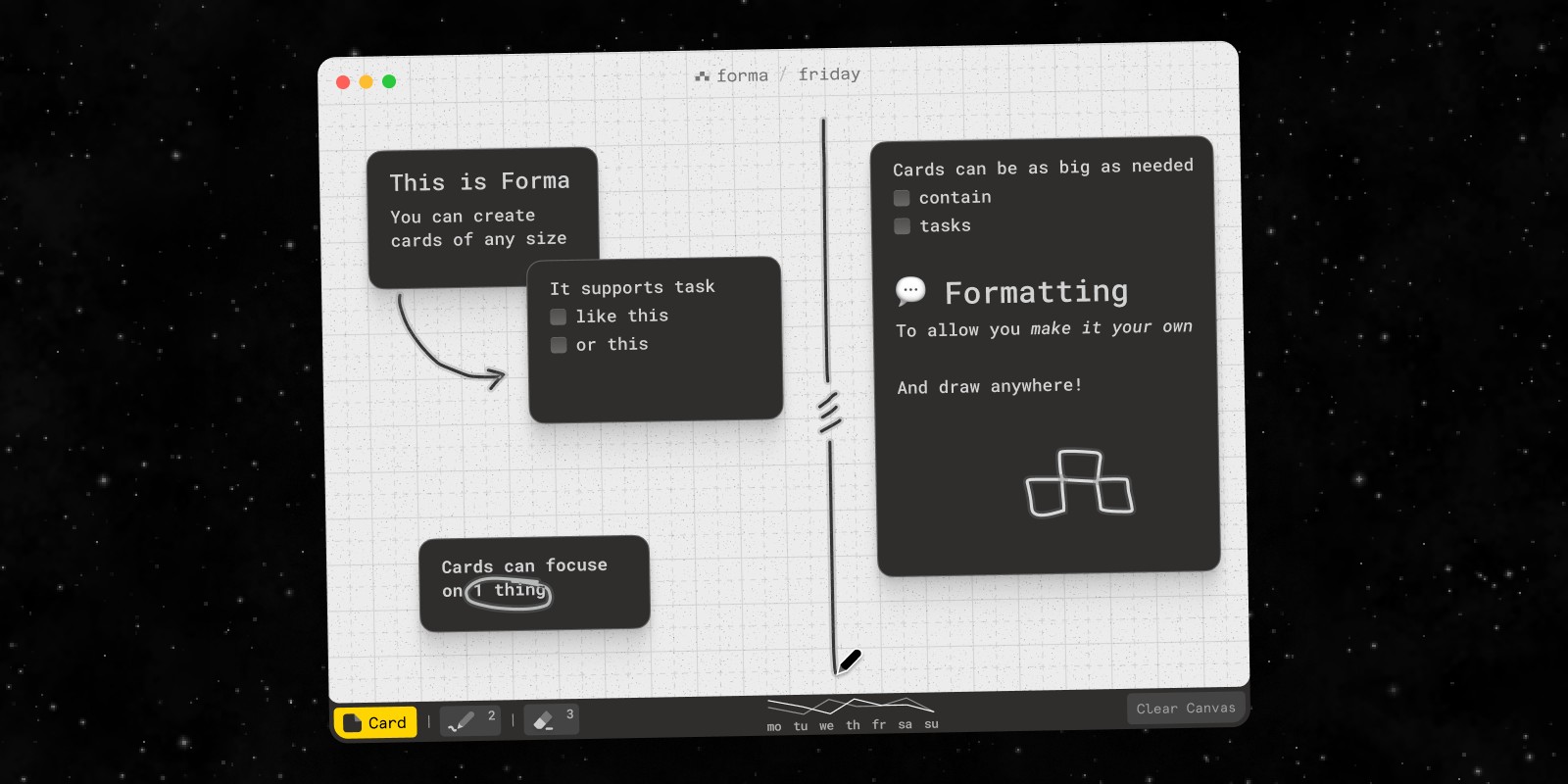
Forma takes a different starting point. It's a native Mac app built around a spatial canvas: fixed-size boards where you place cards that can be notes, tasks, or both, and arrange them however your thinking actually works. A cluster of related ideas can become a project plan just by moving cards next to each other — no separate task manager required.
It's worth being upfront about the trade-off. Forma doesn't store notes as Markdown files you can edit elsewhere, and it doesn't have Obsidian's plugin ecosystem or graph view. If what you value about Obsidian is the open file format and endless extensibility, Forma isn't a replacement for that. What it offers instead is a simpler, more contained space: a native app, no account, works fully offline, and a one-time purchase rather than a recurring sync fee.
Best for: Mac users who want their notes and tasks in the same visual space, without wiring together separate apps.
If You Use Obsidian Canvas: A Visual Alternative
A lot of people who search for an Obsidian alternative don't actually want a different note editor — they want a better visual workspace. Obsidian Canvas is a core plugin that lets you lay out notes, text cards, images, and links on an infinite board and connect them with arrows. It's great for mapping how notes in your vault relate to each other.
Where it gets awkward is day-to-day planning. Canvas is a view on top of your vault, so most cards are really links to Markdown files that live somewhere else. Tasks are checkboxes buried inside those notes rather than things you can see and move on the board. There's no freehand drawing in the core app, and once a vault grows, canvases tend to sprawl.
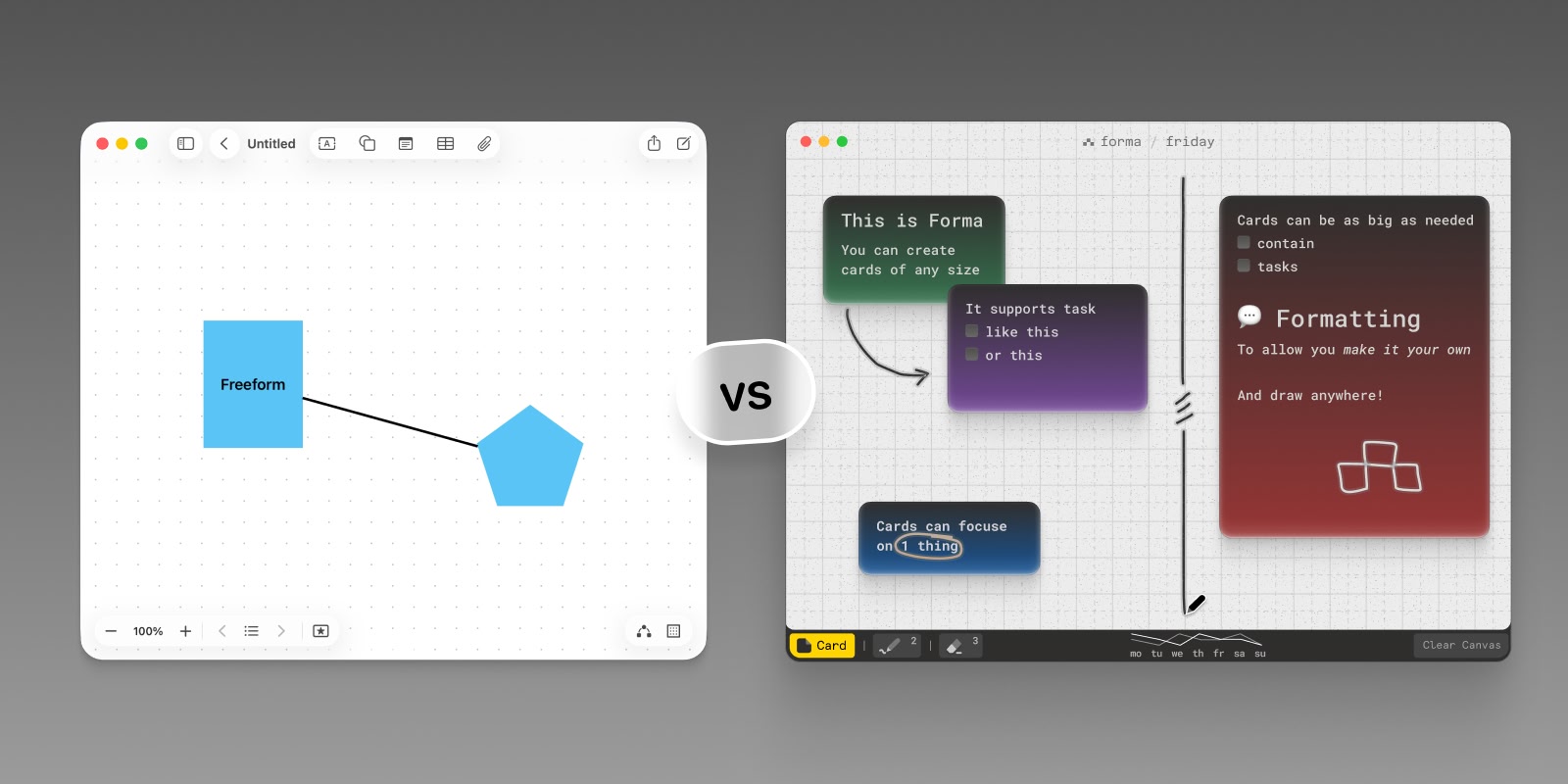
Forma is built around the part of Canvas that people actually use for planning. The canvas is the whole app rather than a plugin: each board is a fixed-size space, and every card on it can be a note, a task, or both — so you can see what's done and what's next at a glance. You can draw freehand directly on the board to sketch and annotate, and everything is stored locally on your Mac, with iCloud sync between Macs that you can turn off. No account, no subscription.
The honest trade-off: Forma doesn't link into an Obsidian vault and doesn't save boards as Markdown or JSON Canvas files. If your canvases exist to visualise your knowledge base, stay with Obsidian Canvas. If they exist to plan projects and track what you're doing, Forma does that job more directly. For more apps built around a canvas, see our comparison of the best canvas apps for Mac.
Logseq: The Free, Open-Source Alternative
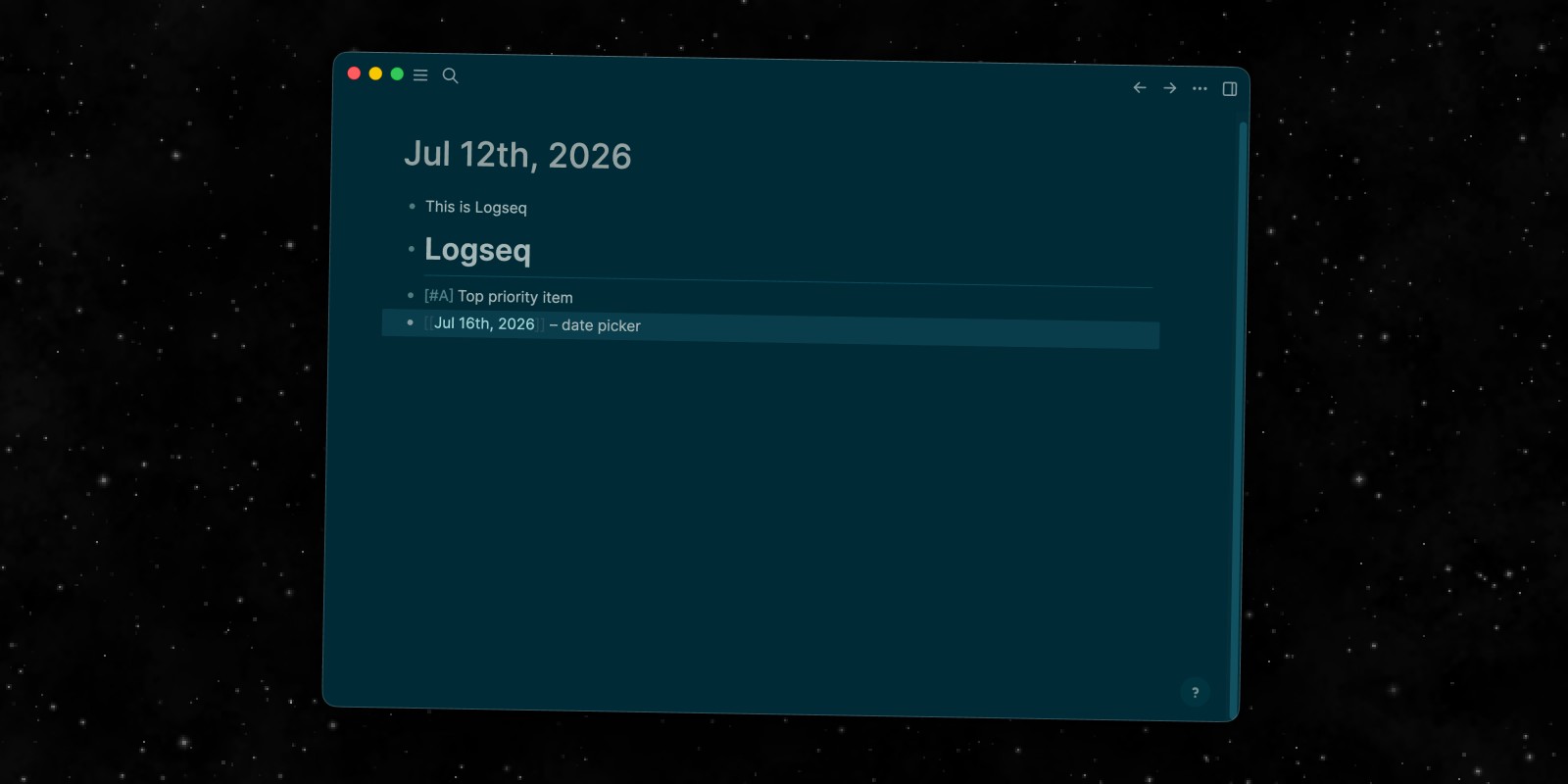
If what you're after is specifically an open source Obsidian alternative, Logseq is the closest match. Like Obsidian, it stores your notes as local plain-text files (Markdown or Org-mode) that you fully own, and the app itself is free and open source under an AGPL license — you can inspect the code, self-host, or contribute to it.
The core experience differs in one meaningful way: Logseq is outline-first. Every note is a nested list of bullet blocks rather than a free-form document, which makes it especially good at daily journaling and linking small ideas together. It has backlinks, a graph view, and a growing plugin library, though the ecosystem is smaller than Obsidian's.
The desktop and mobile apps are free with no account required for local use. An optional paid sync service handles encrypted cross-device syncing for people who don't want to manage their own file sync.
Best for: Anyone who wants a genuinely free, open-source, local-first alternative to Obsidian with an outliner-style workflow.
Notion: The All-in-One Workspace
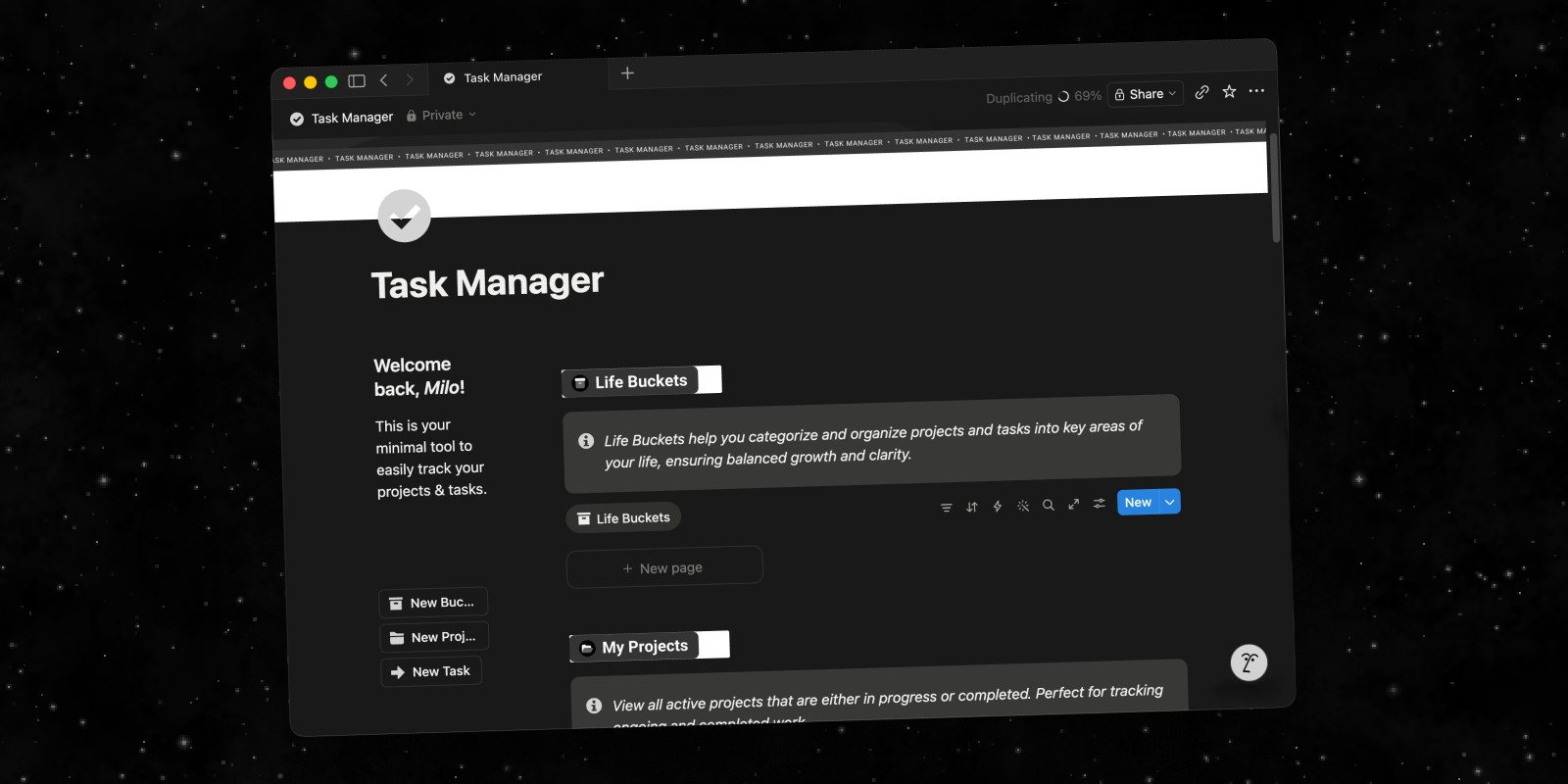
Notion takes Obsidian's note-linking idea and wraps it in a much bigger workspace — databases, kanban boards, calendars, and wikis, all built on a shared block editor. Where Obsidian is a vault of interconnected notes, Notion is closer to a full operating system for your work.
That range comes at a cost to simplicity. Notion stores everything in its own cloud database rather than local files, so you don't get Obsidian's plain-text ownership, and it requires an account and an internet connection for most functions. The free plan is generous for individual use; the Plus plan is $10/member/month billed annually for teams that need more history and larger uploads.
Best for: Teams and people who want notes, databases, and project tools combined into a single connected workspace.
RemNote: Notes Built for Studying and Recall
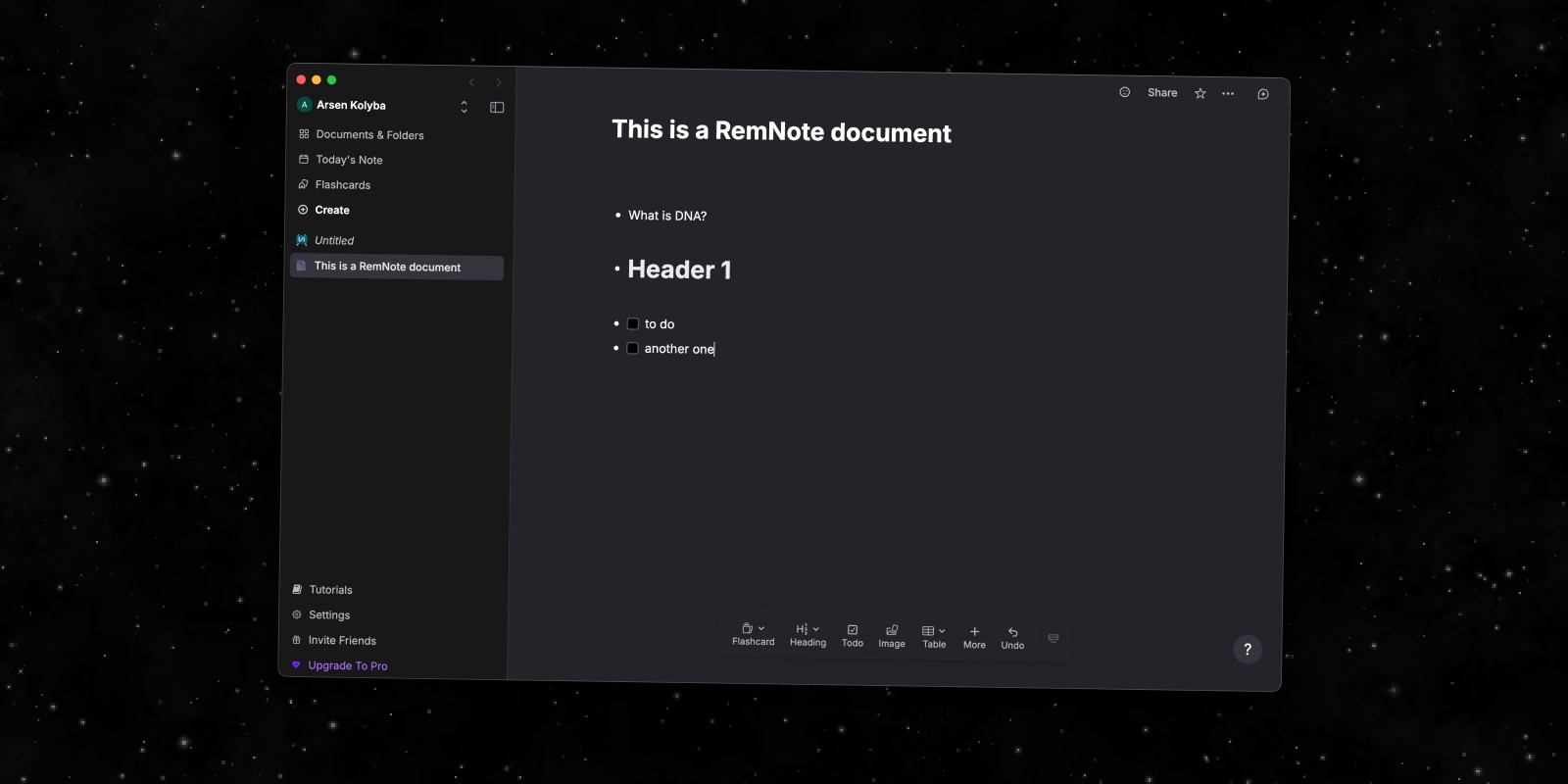
RemNote is the pick for anyone who came to Obsidian for its knowledge-base features but actually needs to retain the information, not just store it. It combines an outline-style note editor with built-in spaced-repetition flashcards generated directly from your notes.
Like Obsidian, RemNote supports backlinks and bidirectional linking between concepts, so you can build a connected knowledge base rather than a flat list of documents. The free plan covers core note-taking and flashcards; the Pro plan, billed monthly or annually, adds unlimited PDF/image occlusion, AI features, and priority sync.
Best for: Students and researchers who want their notes to double as a spaced-repetition study system.
Craft: The Polished Mac-Native Editor
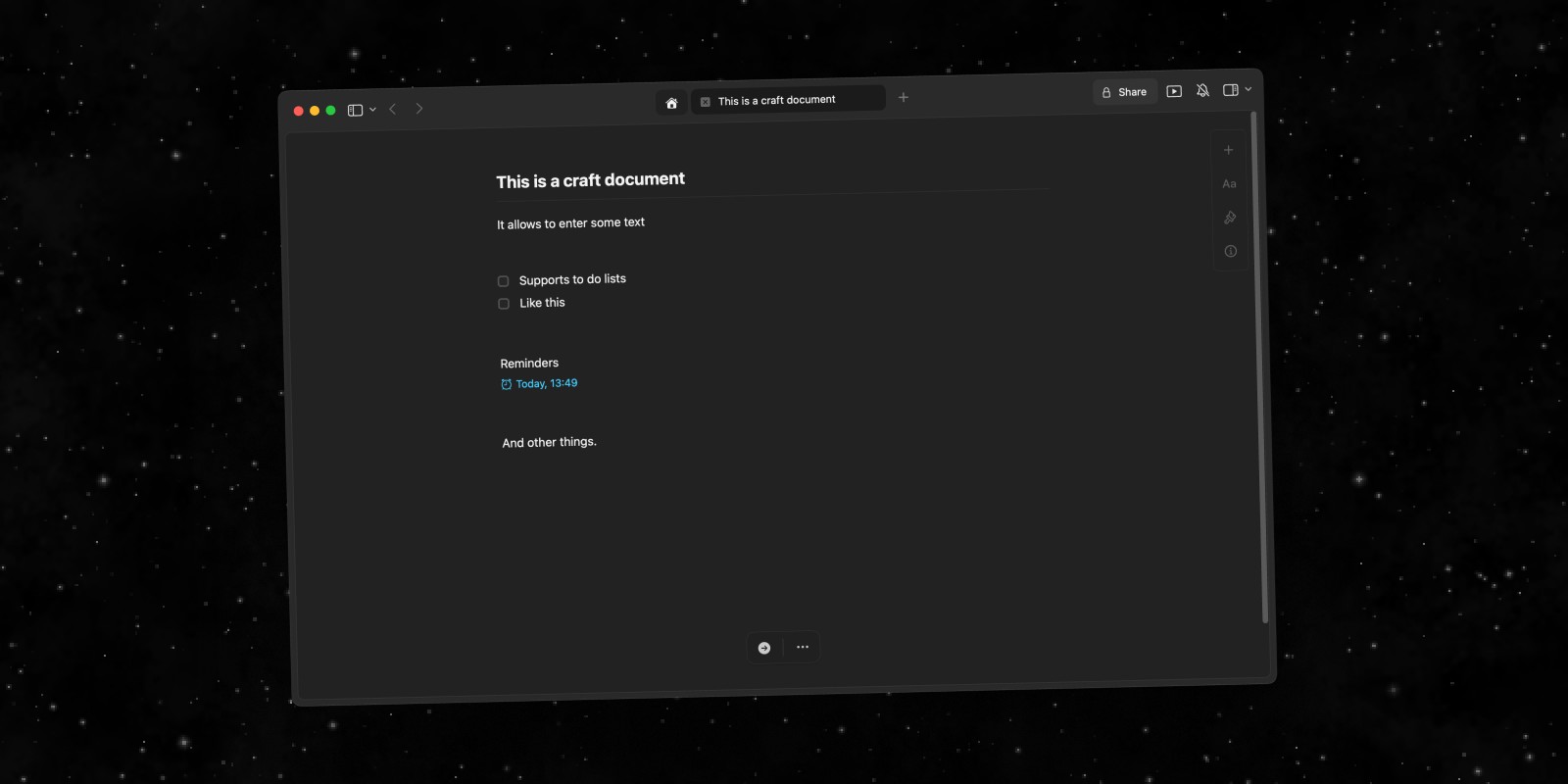
Craft is worth considering if what draws you away from Obsidian is the interface, not the philosophy. It's a document editor built specifically for Apple platforms, with native performance, real keyboard shortcuts, and an interface that looks and feels like it belongs on a Mac — something Obsidian, as an Electron app, doesn't quite achieve.
Notes in Craft are structured documents with nested pages, backlinks, and clean shareable links, plus on-device AI powered by Apple's Foundation Models. It's free to start, with a Plus plan at $5/month (billed as $60/year) for unlimited documents and version history. Unlike Obsidian, your notes live in Craft's own format rather than local Markdown files.
Best for: Mac users who want Obsidian's note-linking ideas in a more polished, native, less technical package.
Apple Notes: The Free Default
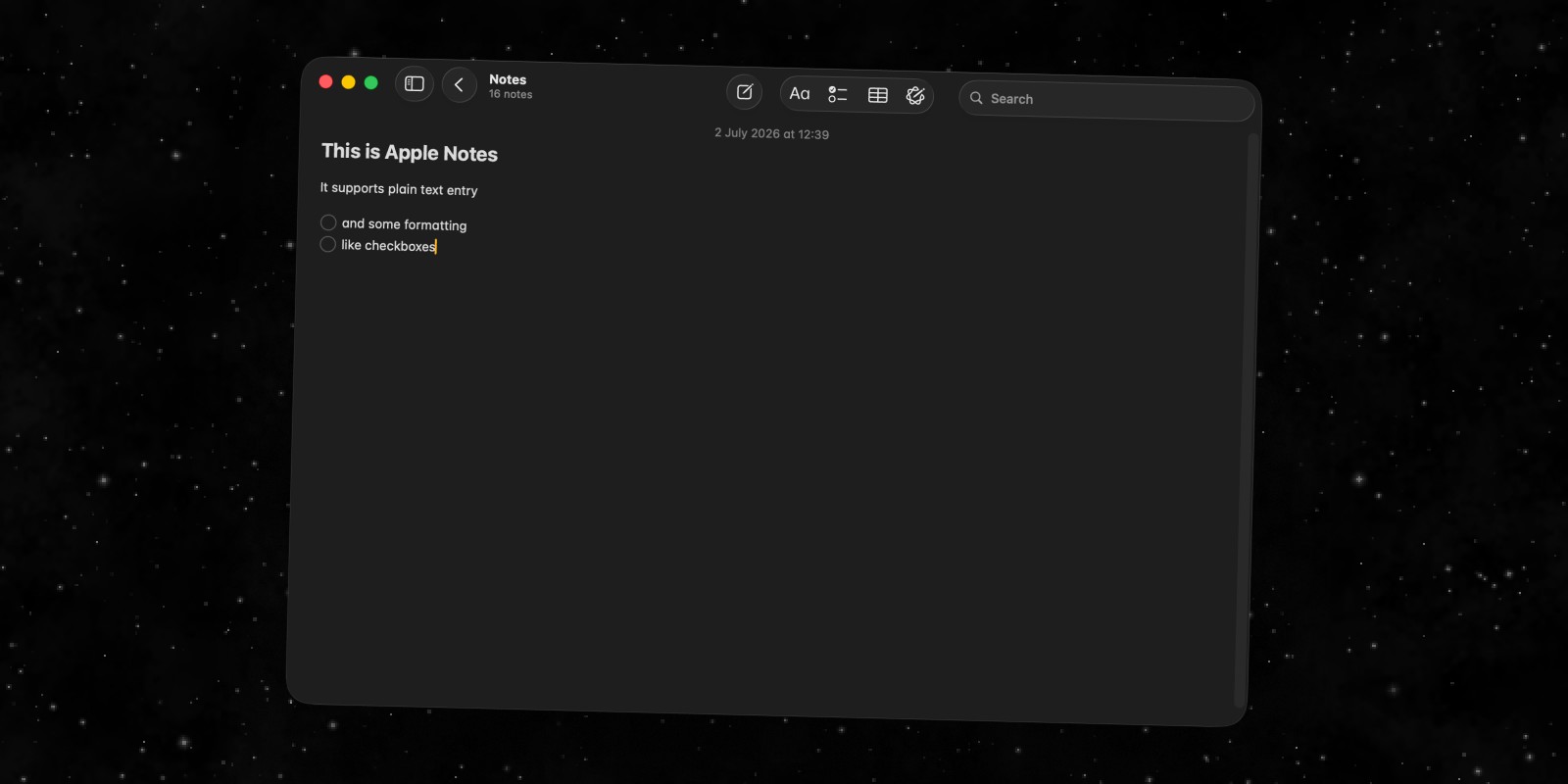
If Obsidian feels like more setup than you need, Apple Notes is the simplest possible alternative — it's already on your Mac, it's free, and it syncs across your Apple devices via iCloud with zero configuration.
The trade-off is everything that makes Obsidian powerful in the first place: there's no note linking, no graph view, no plugins, and no way to view your notes as anything other than a flat list of folders. For quick capture and reference, that's not a problem. For building a connected knowledge base, it runs out of room fast.
Best for: Anyone who just wants a free, reliable place to jot things down without learning a new system.
Summary
There's no single best Obsidian alternative — it depends on which part of Obsidian you're trying to replace. If it's the open-source, local-first philosophy, Logseq is the closest match and it's free. If it's the all-in-one ambition, Notion goes further. If you want retention built in, RemNote's flashcards do that. If you just want something native and polished, Craft is the strongest fit. And if Obsidian always felt like more app than you needed, Apple Notes is free and already installed.
For the fuller picture across every major note-taking app for Mac — not just the ones built to replace Obsidian specifically — our broader best notes app for Mac comparison covers the whole category.
If what actually pulled you toward Obsidian is wanting your notes to be useful, not just stored — where an idea can become a task without switching apps — Forma is the one built around that specific problem.